EasyManua.ls Logo

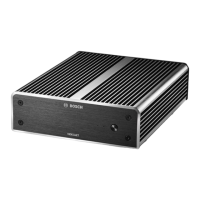
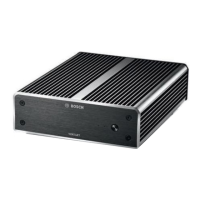
Bosch VIDEOJET multi 4000 User Manual

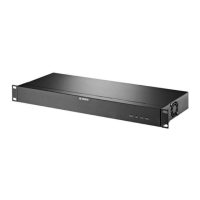
Bosch VIDEOJET multi 4000
34 pages
To Next Page IconTo Next Page
Page #1 background imageLoading...
Page #1 background image
VIDEOJET multi 4000
VJM-4016
en Installation Manual

Questions and Answers:

Bosch VIDEOJET multi 4000 Specifications

General IconGeneral
Channels quantity16 channels
Maximum frame rate30 fps
Maximum video resolution704 x 576 pixels
Video compression formatsH.264, M-JPEG
RS-232 ports1
Microphone inYes
I/O terminal ports-
Ethernet LAN (RJ-45) ports16

Summary

Safety

Electric shock hazard

Warnings about electrical hazards and safe installation practices.

Installation and operation

Guidelines for safe installation and operation, including regulatory compliance.

Maintenance and repair

Instructions on unit maintenance and the need for qualified personnel.

Short information

Intended use

Specifies the unit's purpose for transferring video, audio, and control signals for CCTV.

System overview

System requirements

Details the necessary hardware and software for operating the unit.

Overview of functions

Introduces the comprehensive features including video encoding, streaming, security, and remote control capabilities.

Installation

Preparations

Guidelines for preparing the installation site and ensuring proper conditions.

Installing in a switch cabinet

Step-by-step instructions for mounting the unit securely in a 19-inch rack.

Connection

Connecting cameras

Instructions for connecting up to 16 video sources using BNC connectors.

Establishing the network connection

Guide to connecting the unit to a 10/100/1000 Base-T network via the ETH socket.

Configuration

Setup using Video Client

Steps for installing and using the Video Client software for configuration.

Troubleshooting

General malfunctions

Tables listing common issues like no image, no connection, and no audio, with causes and solutions.

Maintenance

Technical data

Related product manuals