22
Setting the programme
Selecting the programme
ENDING TIME or REMAINING
TIME of a programme
Max. spin speed.
Selected spin speed.
Control lights for selected
auxiliary functions
Programme sequence bars and
Remaining Time.
Length of the Delayed Start or
Ending Time, flashing of 4 upper
bars of the display
flashing one after the other.
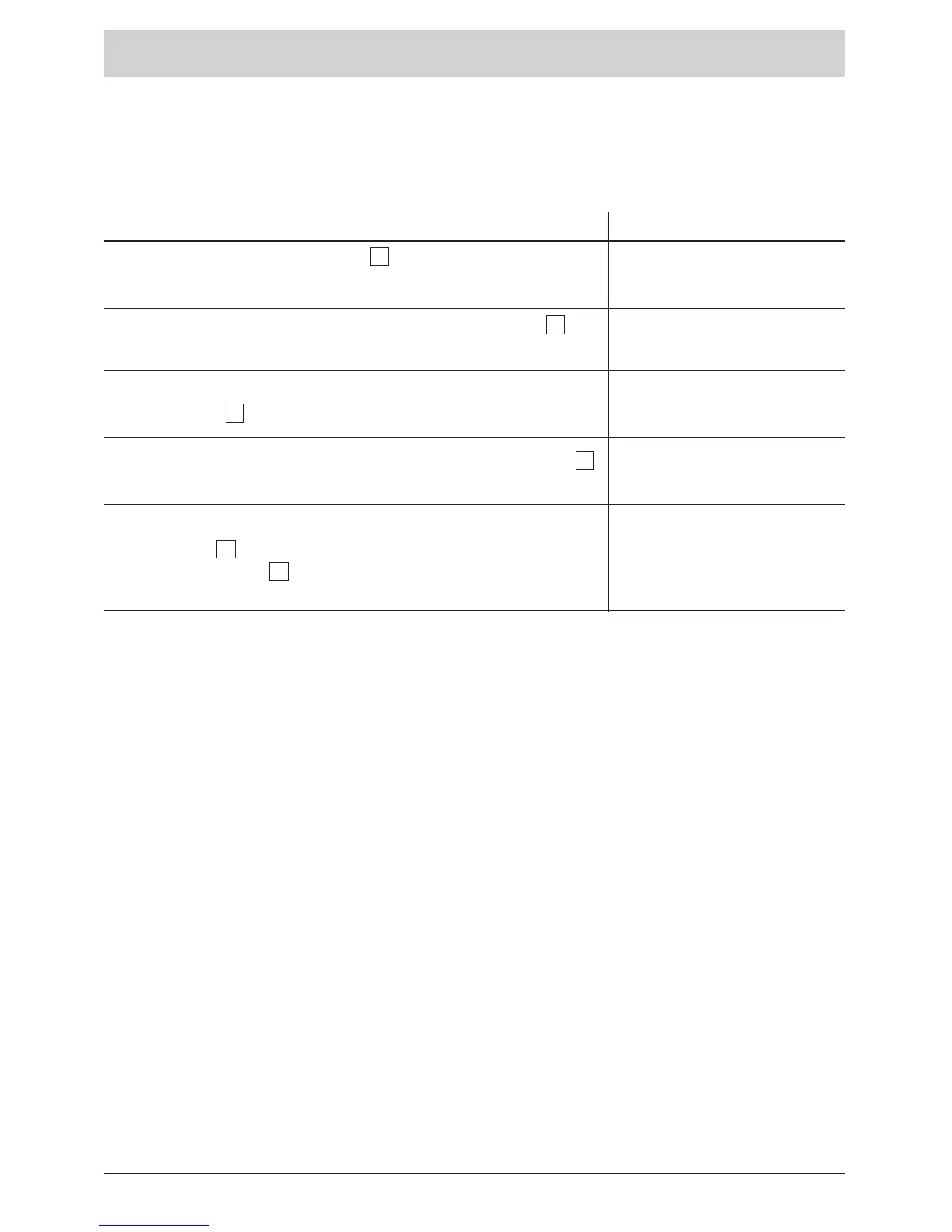
• Using the programme selector, select the desired
programme.
• If necessary, select the spin speed using pushbutton ; see
Chart S. 27.
• If necessary, select auxiliary functions using the auxiliary function
pushbuttons .
• Start the programme using the ”Start/Pause” pushbutton .
• ... or select a DELAYED START or an ENDING TIME using
pushbutton . Carry out the settings with
”+/- ” pushbuttons .
3
5
4
6
7
1
Control lights
and/or display
Before switching on the machine, check if the mains lead is connected and the tap is open.
Ensure that the drum and lid are properly closed.







 To Next Page