17
|
ENG
POWER
POWER ON/OFF
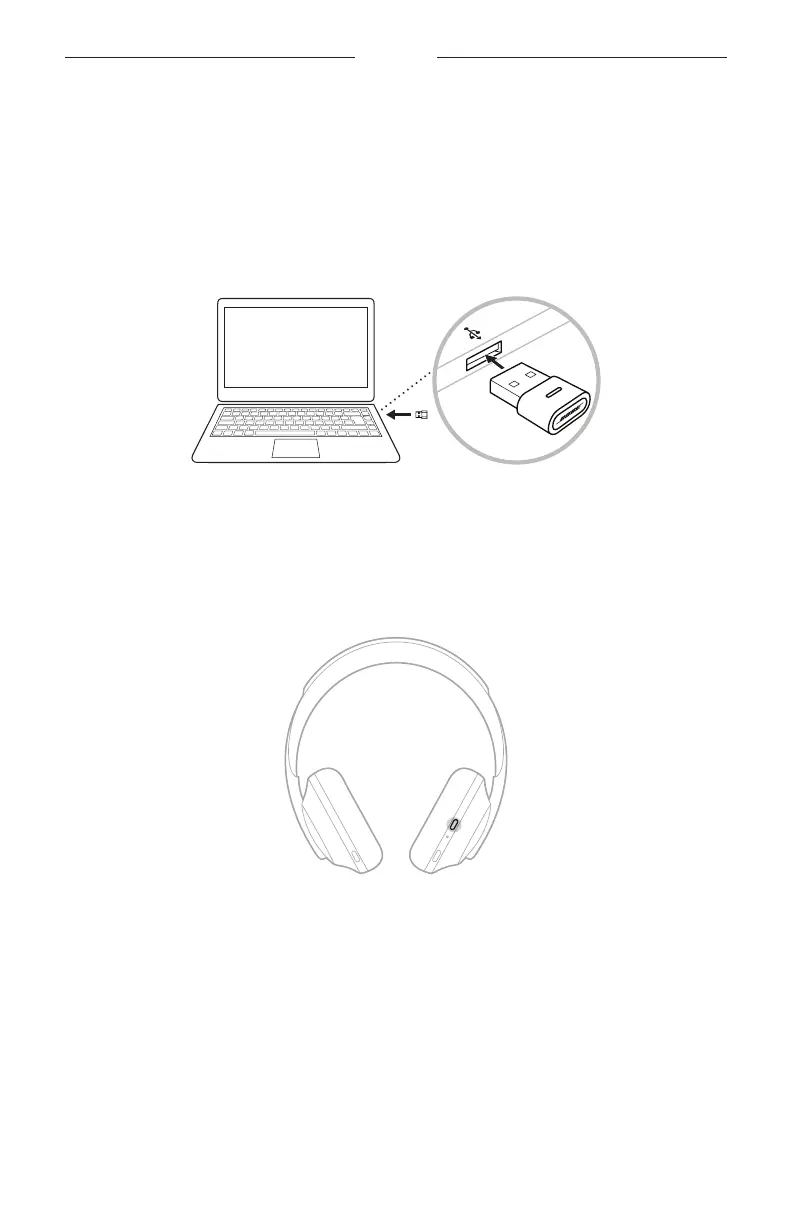
Bose USB Link
Insert the Bose USB Link into a USB port on your computer. The light on the USB Link
will blink.
NOTE: If your computer has a USB-C port instead of a USB-A port, you can use a
standard USB-A-to-C adapter or USB hub to make this connection.
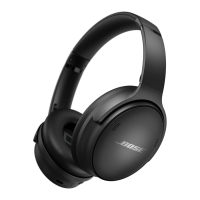
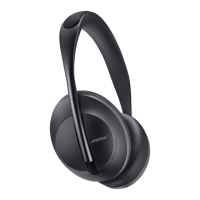
Headphones
Press and release the Power/
Bluetooth
button on the headphones.
After powering on the headphones, you hear a voice prompt, and the status lights
glow (see page 38). The light on the Bose USB Link will blink rapidly and then
remain solid when connected to the headphones.
Auto-o
Auto-o conserves the headphone battery by using motion-detection. The
headphones power o when you have not moved the headphones for 10 minutes.
To wake the headphones, press the Power/
Bluetooth
button.
TIP: You can also set the headphones to power o when no audio is playing. To
enable auto-o for audio, use the Bose Music app. You can access this option
from the Settings menu.






 To Next Page