41
|
ENG
BLUETOOTH
CONNECTIONS
Bluetooth
wireless technology lets you stream music from mobile devices such as
smartphones, tablets, and laptop computers. Before you can play audio from a device,
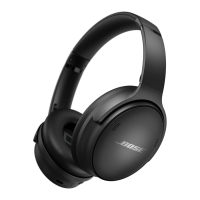
you must connect the device with the headphones.
CONNECT USING THE
BLUETOOTH
MENU ON YOUR
MOBILE DEVICE
NOTE: To get the most out of the headphones, set up and connect your mobile device
using the Bose Music app (see page 14).
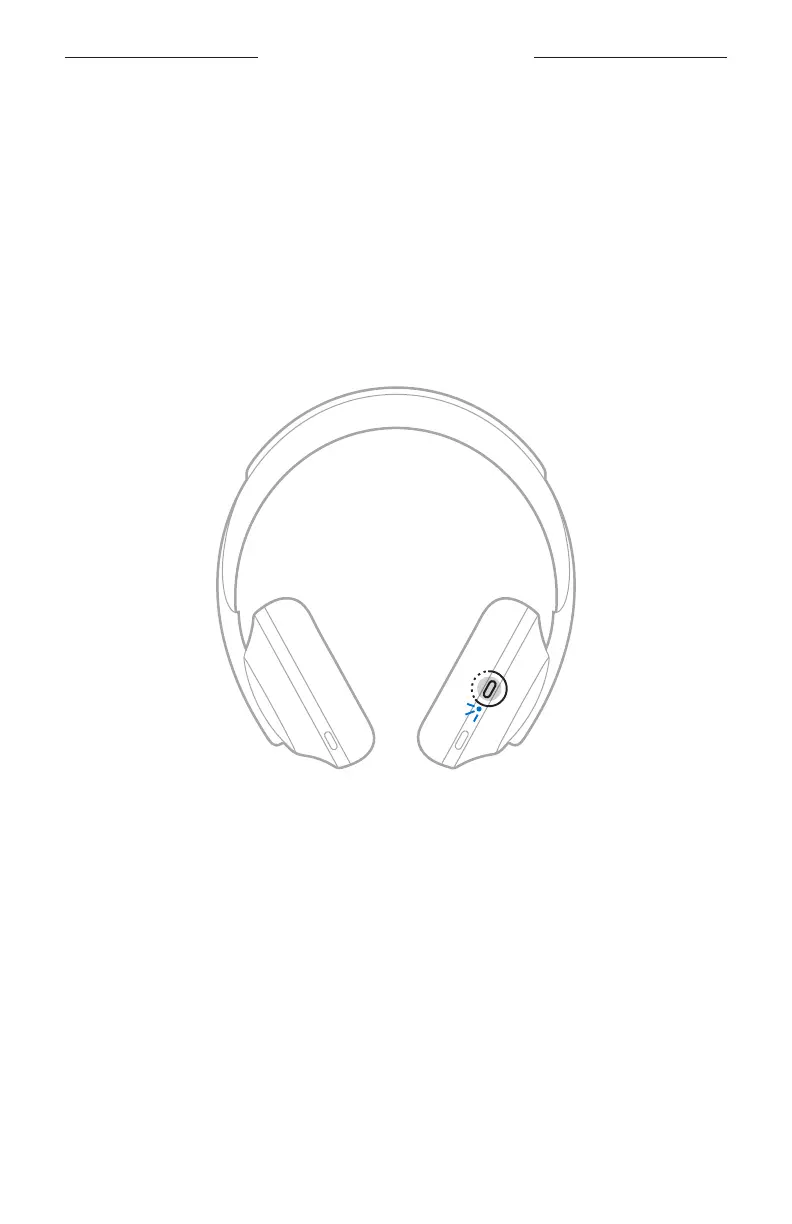
1. Press and hold the Power/
Bluetooth
button until you hear “Ready to connect
another device,” and the
Bluetooth
light slowly pulses blue.
2. On your device, enable the
Bluetooth
feature.
TIP: The
Bluetooth
feature is usually found in the Settings menu.






 To Next Page