42
|
ENG
BLUETOOTH
CONNECTIONS
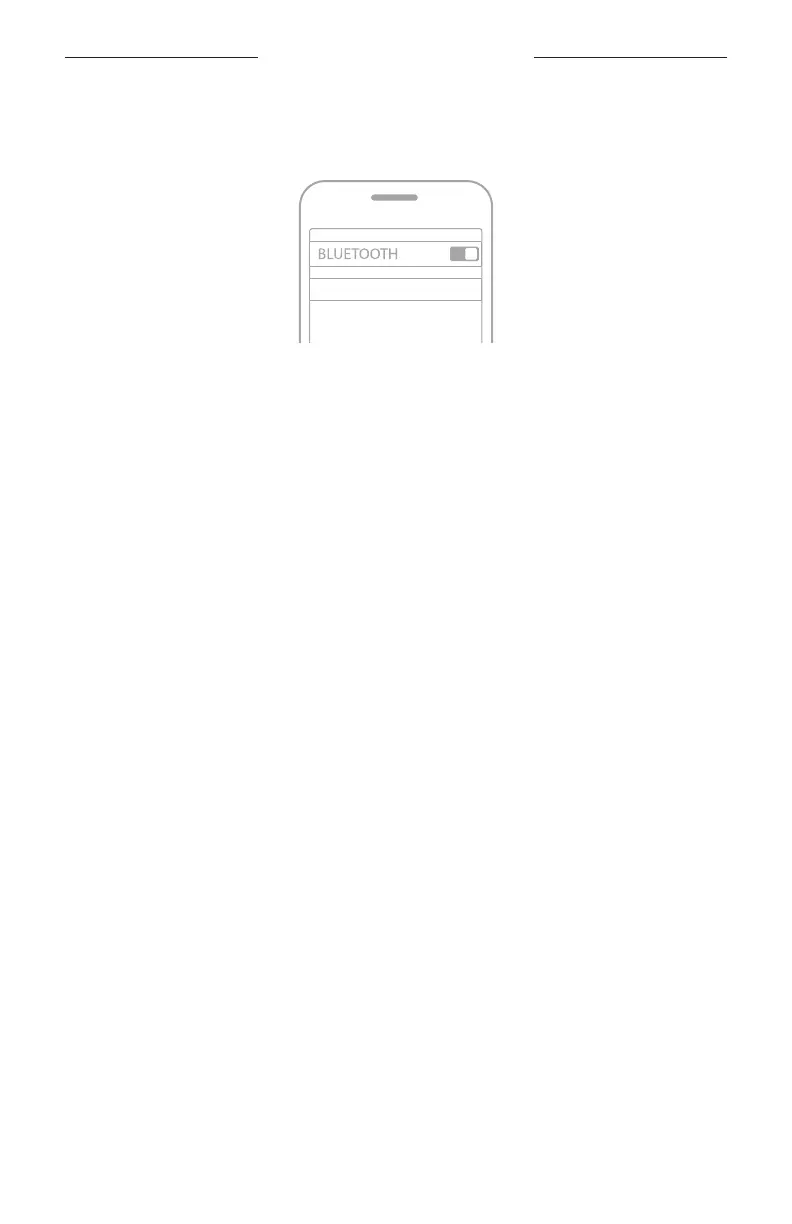
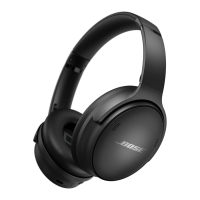
3. Select the headphones from the device list.
TIP: Look for the name you entered for the headphones in the Bose Music app.
Bose NCH 700 UC
Once connected, you hear “Connected to <
mobile device name>
,” and the
Bluetooth
light glows solid blue.
DISCONNECT A MOBILE DEVICE FROM THE
HEADPHONES
Use the Bose Music app to disconnect your mobile device.
TIP: You can also use
Bluetooth
settings to disconnect your device.
Disabling the
Bluetooth
feature disconnects all other devices.
RECONNECT A MOBILE DEVICE TO THE HEADPHONES
When powered on, the headphones try to reconnect with the two most
recently-connected devices.
NOTES:
• The devices must be within range (30 ft. or 9 m) and powered on.
• Make sure the
Bluetooth
feature is enabled on your mobile device.






 To Next Page