40
|
ENG
STATUS
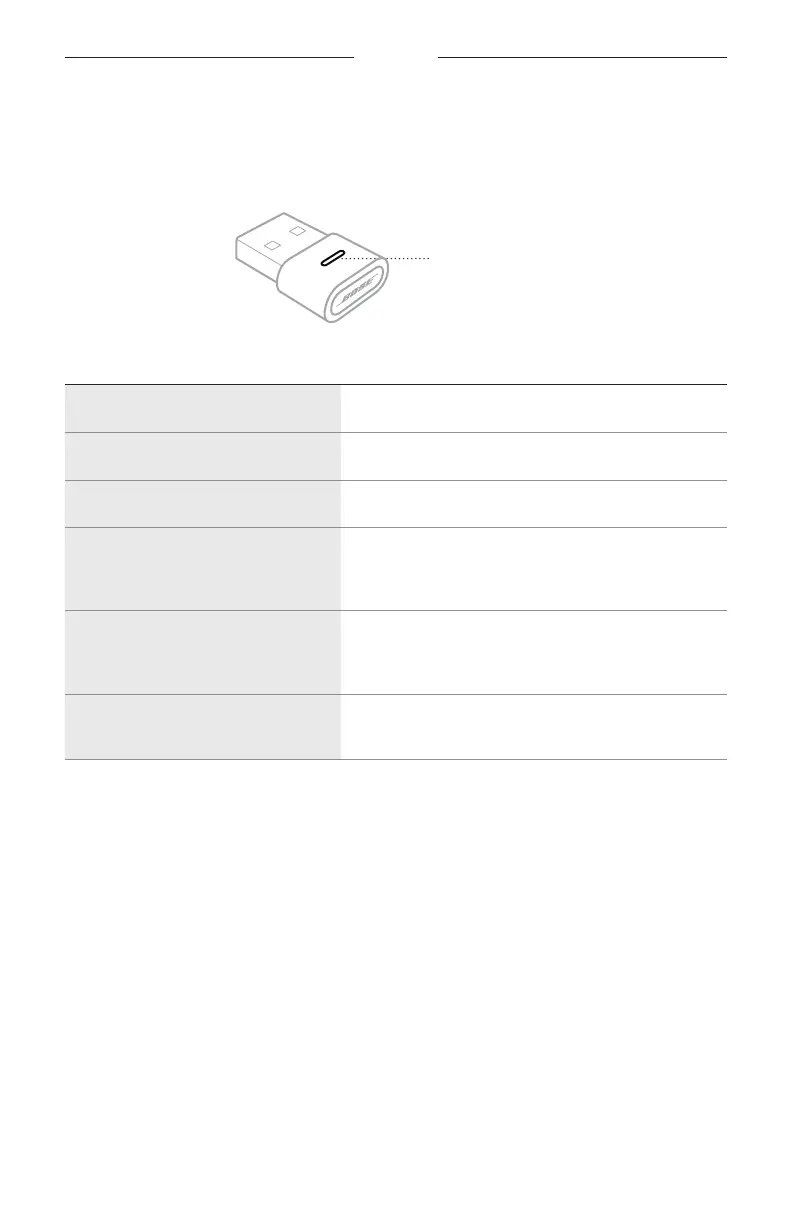
BOSE USB LINK LIGHT
The light on the Bose USB Link shows the connection status of the headphones and
status of Microsoft Teams.
Bose USB Link light
LIGHT ACTIVITY SYSTEM STATE
Slowly pulses blue The USB Link is ready to connect to the headphones
Rapidly blinks blue The USB Link is connecting to the headphones.
Solid blue The USB Link is connected to the headphones.
Solid purple
The USB Link is connected to the headphones,
and the computer is logged into a Microsoft Teams
account.
Blinks purple
The USB Link is connected to the headphones,
and the computer is logged into a Microsoft Teams
account, which is receiving a notification.
Solid red
The USB Link is connected to the headphones, and
the microphone is muted.






 To Next Page