36
|
ENG
BATTERY
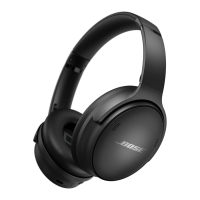
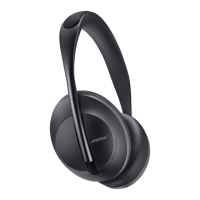
CHARGE THE HEADPHONES
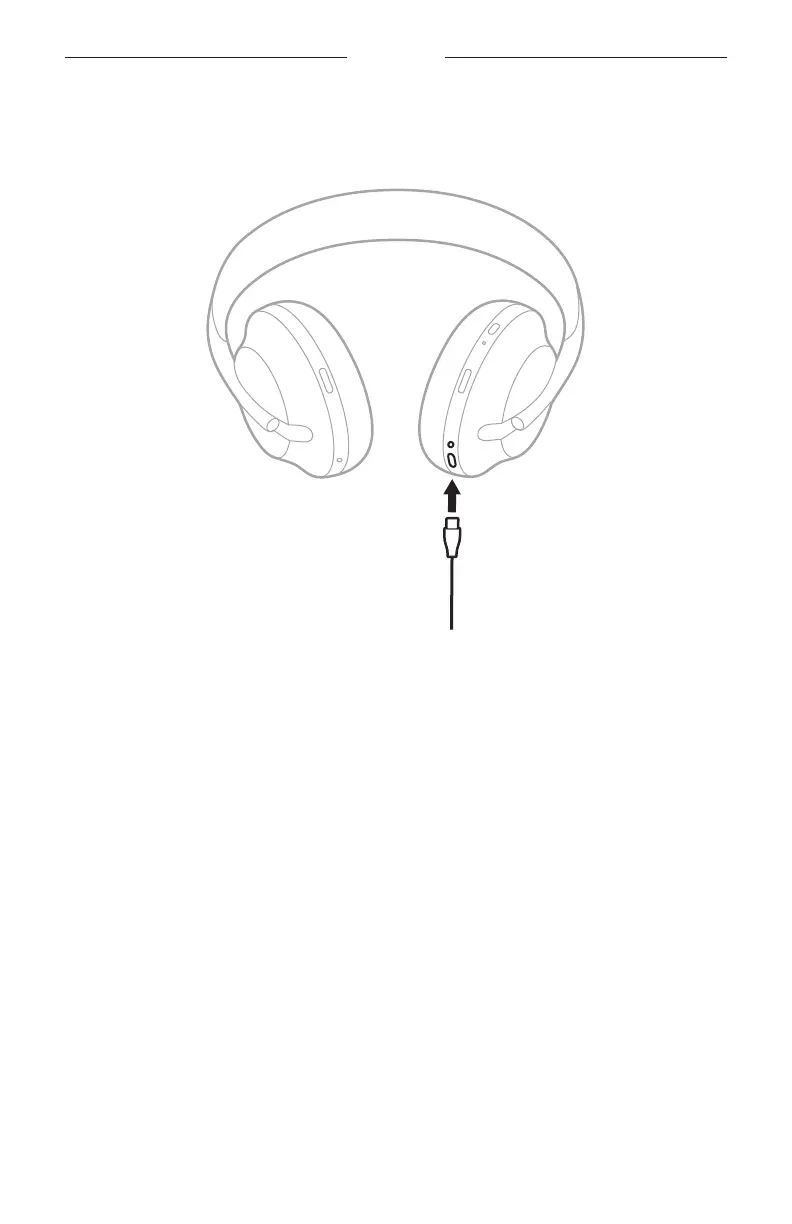
1. Connect the small end of the USB cable into the USB-C port on the right earcup.
2. Connect the other end into a USB-A wall charger or computer that is powered on.
While charging, the battery light blinks white. When the battery is fully charged,
the battery light glows solid white (see page 39).
NOTE: The headphones do not play audio or cancel noise while charging.






 To Next Page