27
|
ENG
VOICE ASSISTANT
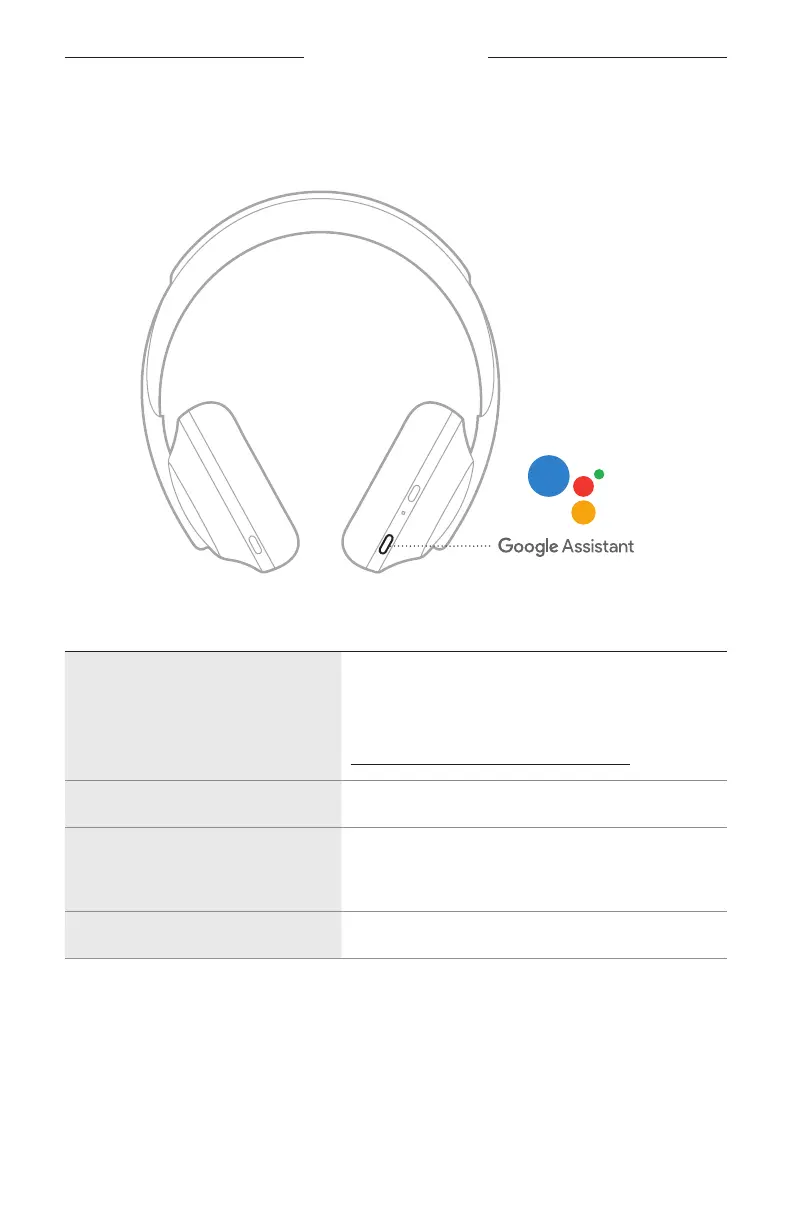
Use the Voice Assistant button
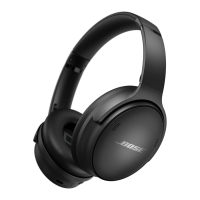
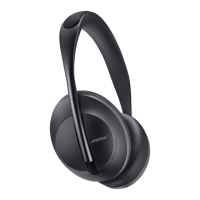
The Voice Assistant button is used to control Google Assistant. It’s located on the right
earcup.
THINGS TO TRY WHAT TO DO
Talk to Google Assistant
Press and hold the Voice Assistant button until you
hear a tone. After you hear a tone, say your request.
For examples of questions and things you
can do, visit:
https://support.google.com/headphones
Get your notifications Press the Voice Assistant button.
Reply to a message
After receiving a message notification, press and hold
the Voice Assistant button to respond. When you’re
done, release the button.
Stop Google Assistant Double-press the Voice Assistant button.






 To Next Page