BOSS Electronics 7” PC TABLET User Guide
8
display for easier access.
4. Desktop
4.1 Status Bar
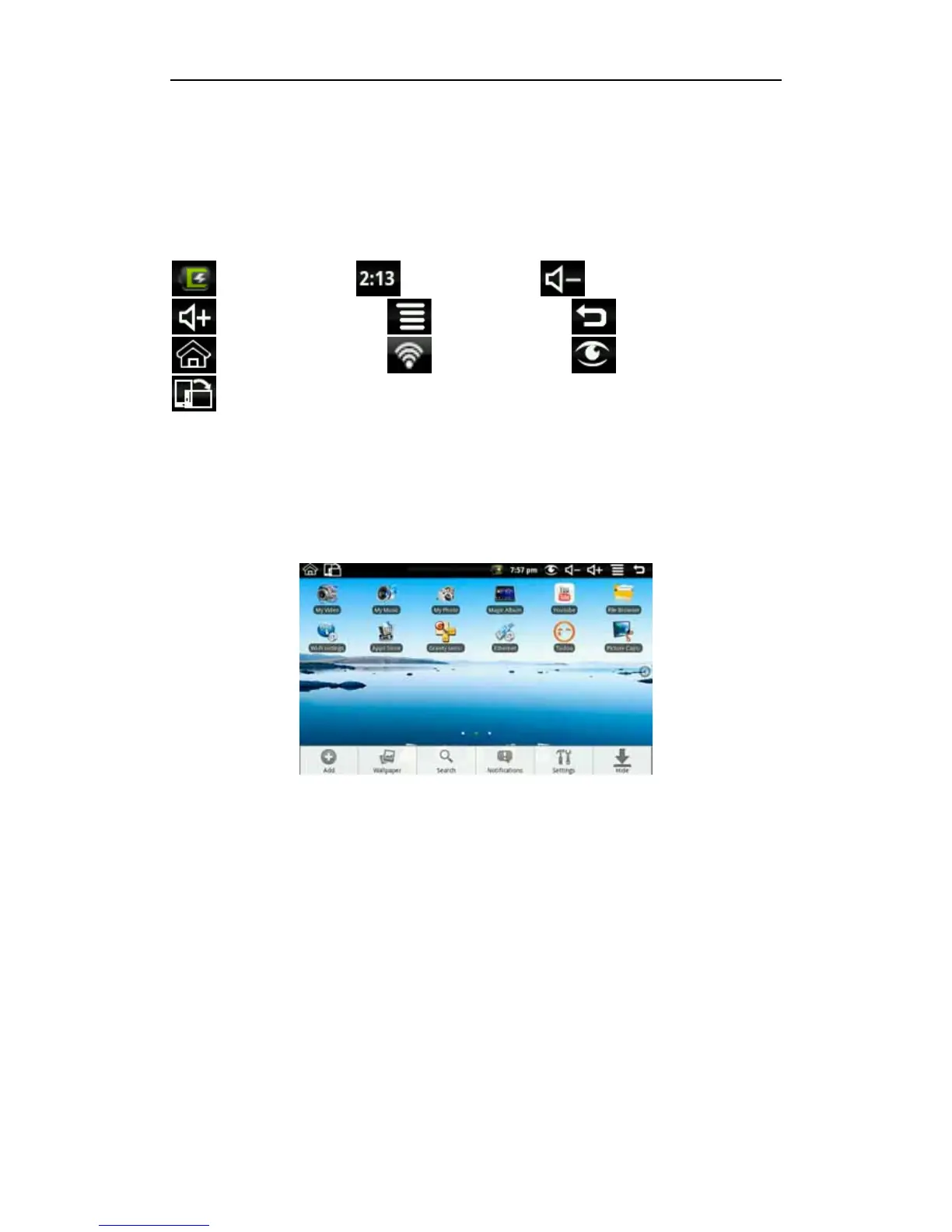
The top screen for the status bar, displays SD card, network, battery status, time and
volume change, etc…
Battery status icon Time display Volume reduction icon
Volume increase icon Shortcut menu icon Back icon
Desktop icon Wi-Fi status icon Picture capture icon
Rotating screen icon
4.2 Shortcuts
On the desktop, long press back, bottom of the screen will pop up the shortcut menu.
Menu items include: Add, Wallpaper, search, notification, settings and hide.
4.3 Add Widgets to your desk top
Shortcuts
To add a shortcut to the main screen, long press back Add Shortcut. Select the
shortcut and then it can be added to the main screen. After adding you can click the
shortcut icon on the main screen to do the corresponding task.


 To Next Page