BOSS Electronics 7” PC TABLET User Guide
17
6. Click paste to paste this file into the current directory.
Delete files:
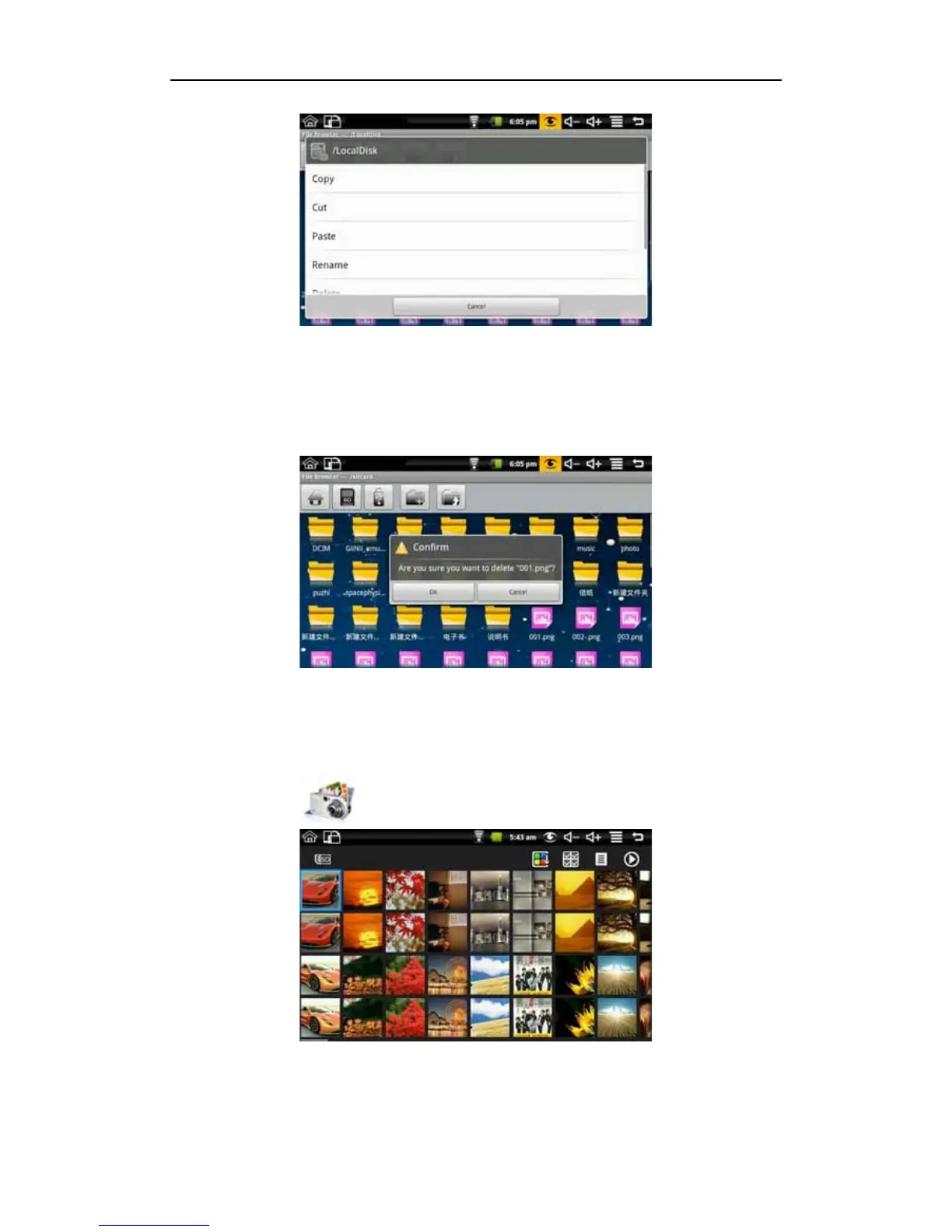
Select the file you want to delete and press the icon for 2 seconds, whereupon you will see
this operating list. Select delete to pop the following confirmation delete dialog:
Click OK to delete the file.
7.4 My Photo
Click My Photo icon to browse pictures:
Click on any picture to enter slideshow mode. The mode can be full-screen pictures, rotate
pictures, select the picture effect, change the picture arrangement, operation and slide
play set.


 To Next Page