Adjusting the Input Level
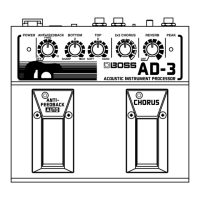
Output levels may vary greatly with the particular
guitar that’s connected. Unsuitable or incorrect lev-
els may prevent full expression of the AD-3’s abili-
ties. In such cases, adjust the Input Level knob on
the AD-3 to match the guitar’s output level.
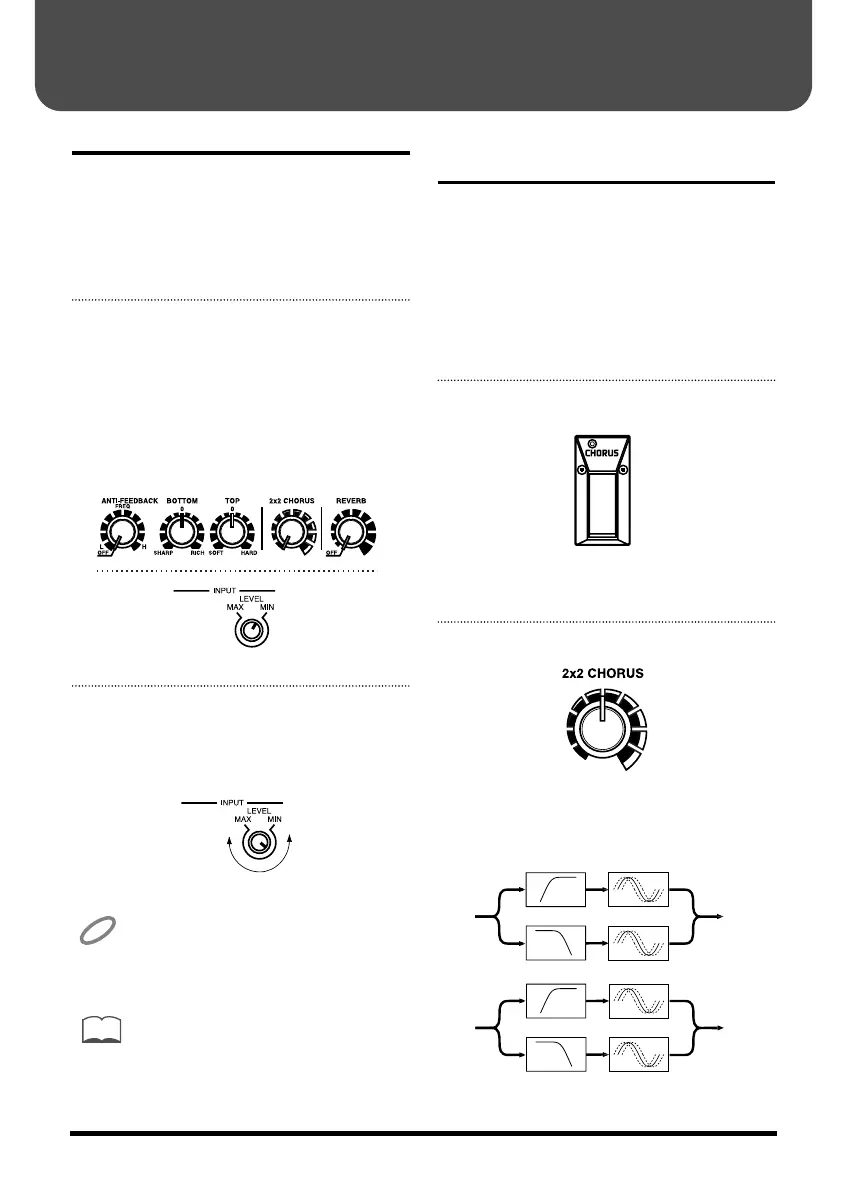
1. Adjust the knobs as shown below.
Input Level knob MIN
Anti-feedback knob OFF
Bottom knob Centered
Top knob Centered
2 x 2 Chorus knob Left-most setting
Reverb knob OFF
fig.4
2. Adjust the Input Level knob so that
the peak indicator lights up momen-
tarily when you play the guitar
forcefully.
fig.4b
After adjusting the input level and the vari-
ous knobs, play the guitar. If the peak indica-
tor lights up frequently, then lower the input
level.
The peak indicator lights up at 6 dB below
clipping level (when distortion begins to
occur).
Adding Breadth to the
Sounds (2 x 2 Chorus)
Chorus can add a broader, thicker effect to sounds.
The chorus used in the AD-3 is a band-splitting
stereo type for acoustic guitars. Chorus can be
applied simultaneously to both bass and treble
ranges in both left and right channels.
You use the Chorus pedal on the AD-3 to toggle the
chorus effects on and off.
1. Press the Chorus pedal.
fig.5
The pedal indicator lights up to show that Chorus
is on. Press the pedal again to turn off Chorus.
2. Adjust the 2 x 2 Chorus knob.
fig.6
Turning the control knob clockwise deepens the
chorus effects. Turning it counterclockwise
lessens the effects.
fig.7
CHORUS
High Pass Filter
INPUT L
INPUT R
OUTPUT L
OUTPUT R
Low Pass Filter
CHORUS
CHORUS
High Pass Filter
Low Pass Filter
CHORUS
Making the Settings
11
AD-3.e 07.6.7 1:22 PM Page 11


 To Next Page