Reducing Acoustic Feedback (Anti-feedback)
14
Anti-feedback is a feature that reduces acoustic
feedback (howling) between the guitar and amp.
This features attenuates the sounds at the frequen-
cy where acoustic feedback occurs, thus suppress-
ing the acoustic feedback.
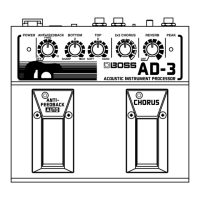
The AD-3 has two types of built-in anti-feedback
features. One sets the howling point with a control
knob. The other automatically detects the howling
point when you press the pedal. You can use both
of these at the same time.
If howling isn’t suppressed using just anti-
feedback, try adjusting the settings to lower
the volume, suppress the bass range, and so
on.
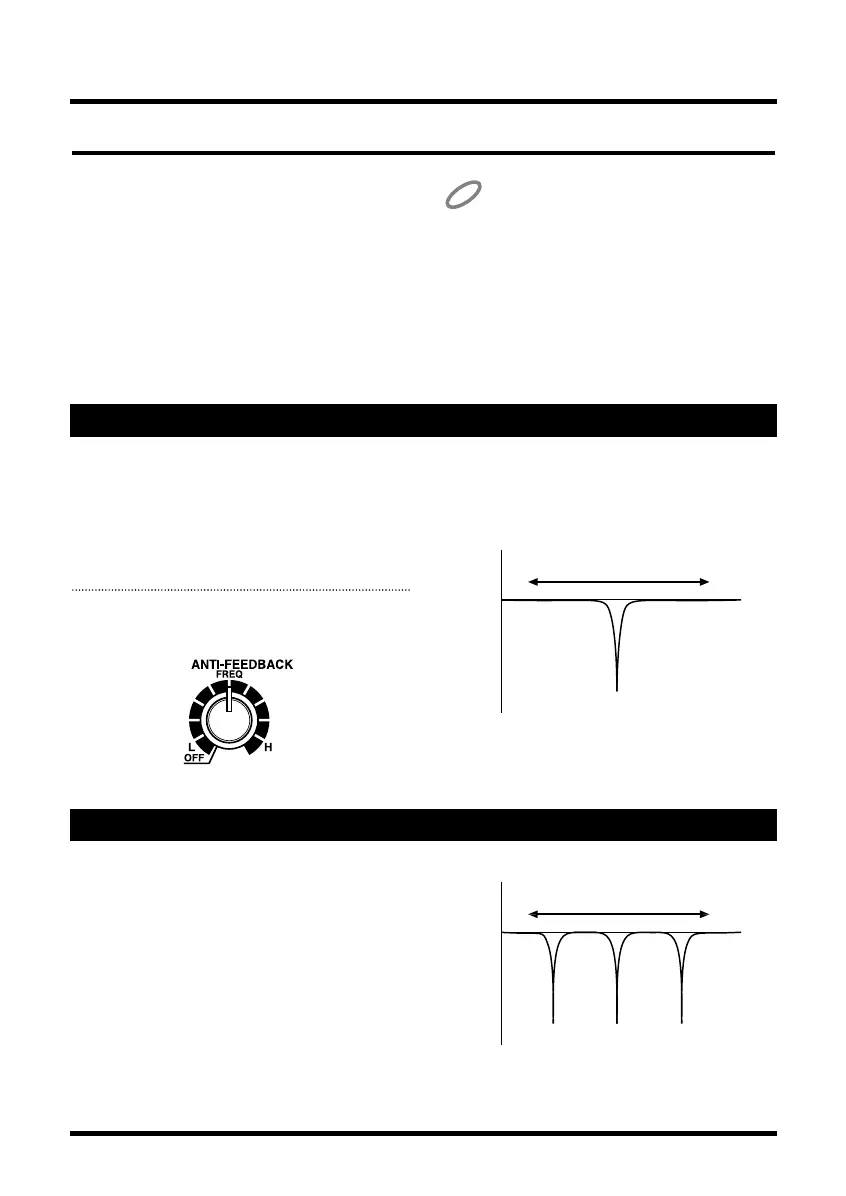
Making the Setting with the Knob (the Anti-feedback Knob)
Use the control knob to adjust the frequency for
applying the anti-feedback effect and reduce howl-
ing.
It may be a good idea to set the howling point
ahead of time, such as during rehearsal.
1. Adjust the Anti-feedback knob to
lessen acoustic feedback (howling).
fig.12
Turn the knob clockwise to raise the frequency
where the anti-feedback effect is applied. Turning
the knob all the way counterclockwise switches
the effect off.
fig.13
Automatic Detection with the Pedal (the Anti-feedback Auto Pedal)
When acoustic feedback (howling) occurs, just
depress the Anti-feedback Auto pedal to automati-
cally detect the howling point and reduce the howl-
ing.
This can be handy when acoustic feedback (howl-
ing) suddenly occurs during a live performance or
a concert.
The Anti-feedback Auto pedal uses three notch fil-
ters to suppress acoustic feedback (howling) at
three points. The effect applied at each of the points
is similar to the Anti-feedback knob.
fig.fdbk
AD-3.e 07.6.7 1:22 PM Page 14


 To Next Page