BT Operation
1.
Enter/exit
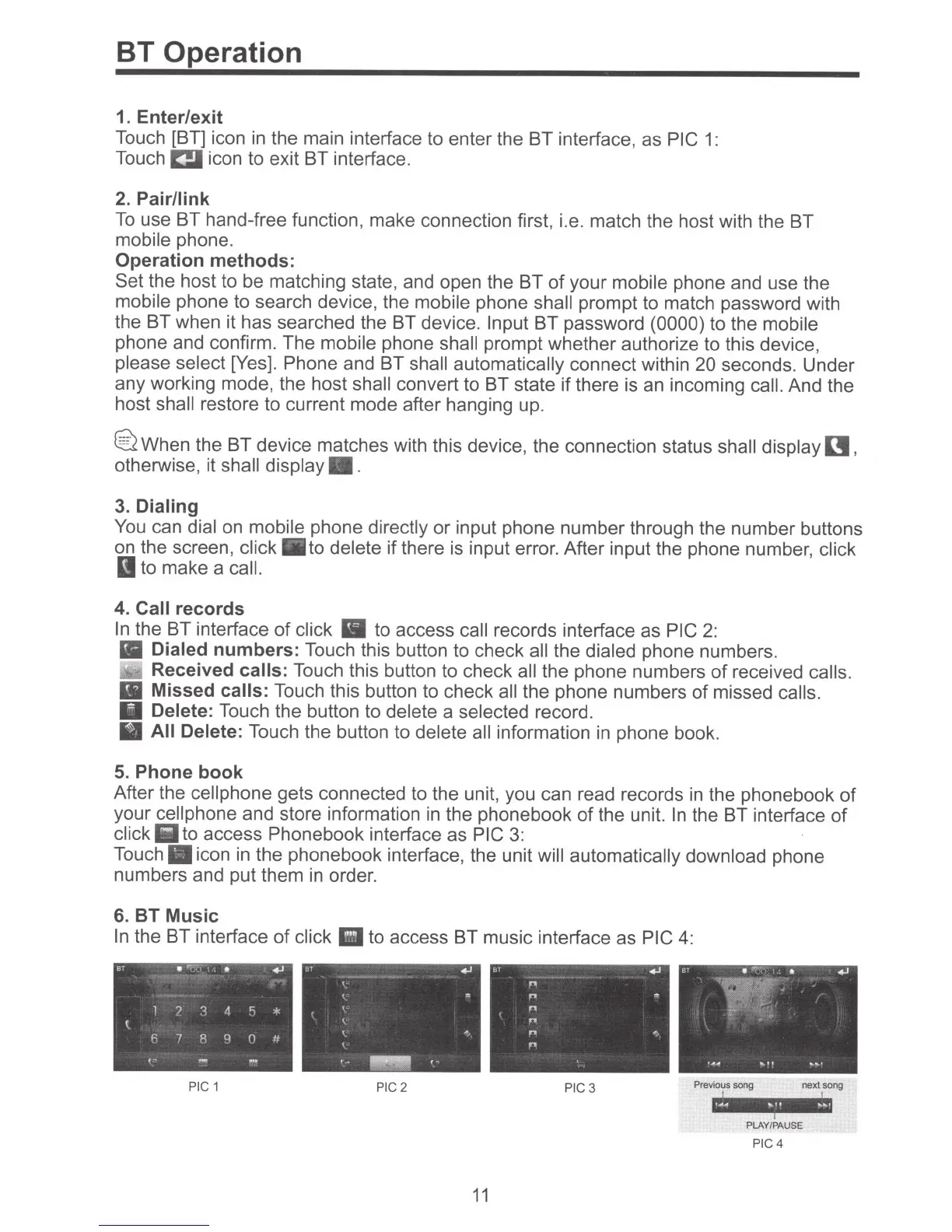
Touch [BT] icon in the main interface to enter the BT interface, as
PIC
1:
Touch~
icon to exit BT interface.
2.
Pair/link
To
use BT hand-free function, make connection first, i.e. match the host with the BT
mobile
phone.
Operation methods:
Set the host to be matching state, and open the BT
of
your
mobile
phone and use the
mobile
phone to search device, the
mobile
phone
shall
prompt to match password with
the BT when it has searched the BT device.
Input
BT password (0000) to the
mobile
phone and confirm. The
mobile
phone
shall
prompt whether authorize to this device,
please select
[Yes]. Phone and BT
shall automatically
connect within 20
seconds. Under
any working mode, the host
shall
convert to BT state
if
there
is
an
incoming call.
And the
host
shall
restore to current mode after hanging up.
@2
When the BT device matches with this device, the connection status
shall display
I!,
otherwise, it
shall display
•.
3.
Dialing
You
can
dial
on
mobile
phone
directly
or input phone number through the number buttons
on the screen,
click
•to
delete
if
there is input error. After input the phone number,
click
to make a
call.
4. Call
records
In
the BT interface
of
click
to access
call
records interface as PIC
2:
Ill
Dialed
numbers:
Touch this button to check
all
the
dialed phone numbers.
Received
calls:
Touch this button to check
all
the phone numbers
of
received calls.
II
Missed
calls: Touch this button to check
all
the phone numbers of missed
calls.
Delete:
Touch the button to delete
a selected
record.
All Delete:
Touch the button to
delete all
information
in
phone book.
5. Phone book
After the
cell
phone gets connected to the unit, you can read records
in
the phonebook
of
your
cell phone and store information in the phonebook
of
the unit.
In
the BT interface
of
click
Iii
to access Phonebook interface as
PIC
3:
Touch.
icon
in
the phonebook interface, the unit
will automatically download
phone
numbers and put them in order.
6. BT Music
In
the BT interface
of
click •
to access BT music interface as
PIC
4:
PIC
1
PIC
2 PIC3
11
Previous song next song
PLAY/PAUSE
PIC4



 To Next Page