External input operation
Connect the video input
plug
with
external
video input jack, and connect the audio input
plug
with
external audio input jack.
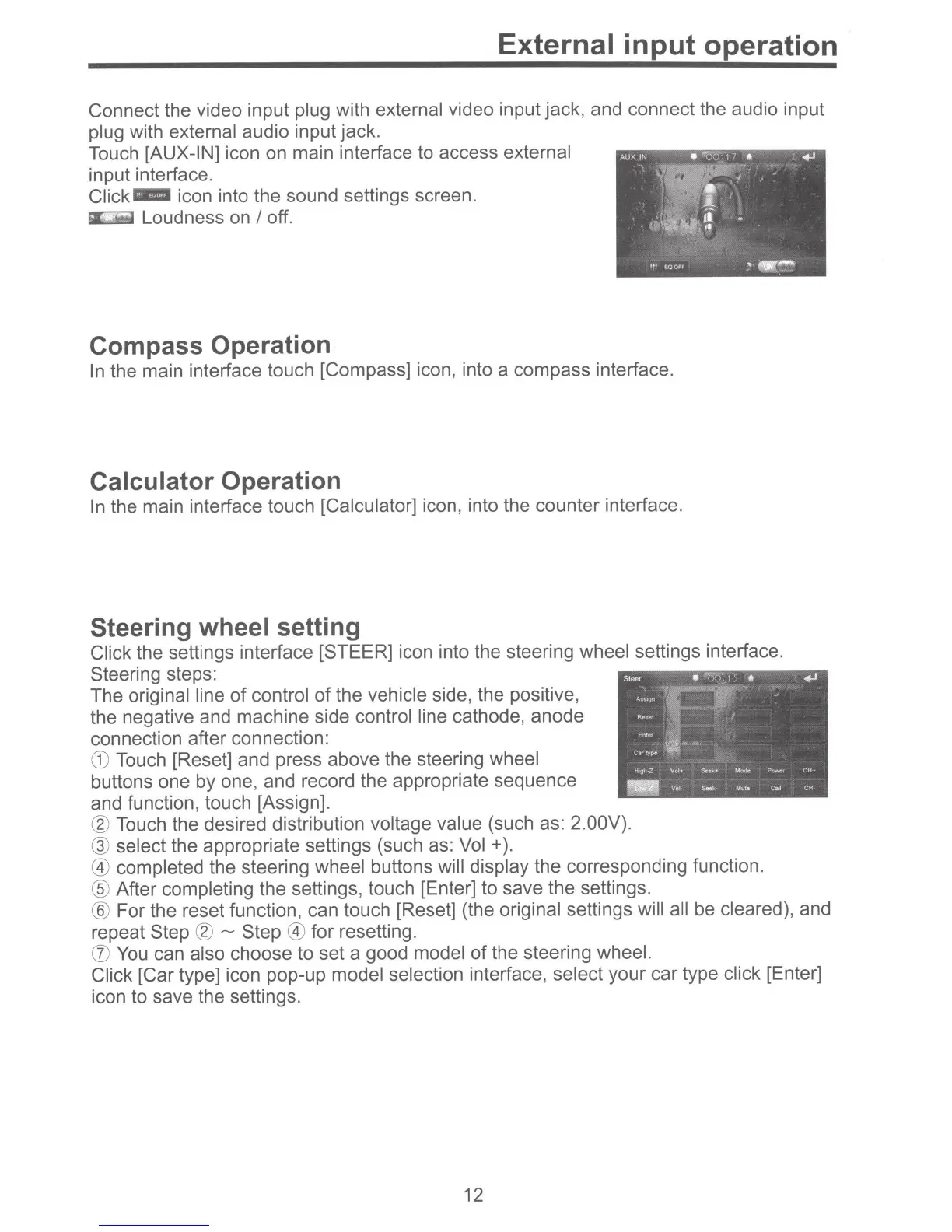
Touch
[AUX-IN]
icon on main interface to access
external
input interface.
Click-
icon into the sound settings screen.
Loudness on
I
off.
Compass Operation
In
the main interface touch [Compass] icon, into a compass interface.
Calculator
Operation
In
the main interface touch
[Calculator]
icon, into the counter interface.
Steering
wheel
setting
Click the settings interface [STEER] icon into the steering wheel
settings interface.
Steering steps:
The
original line
of
control
of
the
vehicle
side, the positive,
the negative and machine side
control line
cathode, anode
connection after connection:
CD
Touch [Reset] and press above the steering
wheel
buttons one by one, and record the appropriate sequence
and function, touch [Assign].
®
Touch the desired distribution
voltage value (such as:
2.00V).
@
select
the appropriate settings (such as:
Vol
+
).
@ completed the steering wheel
buttons
will display
the corresponding function.
®
After
completing the settings, touch [Enter] to save the settings.
®
For the reset function, can touch [Reset] (the
original
settings will all
be
cleared),
and
repeat
Step
®-
Step @
for resetting.
(J)
You
can
also
choose to set a good model
of the steering wheel.
Click
[Car type] icon pop-up model selection
interface, select
your car type
click
[Enter]
icon to save the settings.
12



 To Next Page