14. 0-10+
Button
Press this button to choose desired song
...
section...
preset stations.
Decimal numbers, for example the 19th
song, press
10+
and 9 button.
15.
AMS
I
RPT
Button
In
radio mode, press this button to browse
stored stations.
In
audio mode, press this button to play
repeatedly.
16.
TITLE
Button
In
DVD mode, press this button to play
back to the top menu
of
disc.
17. AUDIO
Button
In
DVD mode, press this button to switch
language
of
dialogue.
In
VCD
mode, press this button to choose
left
track...
right track and stereo.
18. GO
TO
Button
In
DVD mode, press this button, you can
define playing time.
19. SUBTITLE
Button
In
DVD mode, press this button to switch
language
of
subtitle.
20. PBC
Button
In
VCD mode, press this button to display
all song menus, work with number button
to choose songs.
21.
UP...
DOWN...
LEFT...
RIGHT...
ENTER
Button
In
DVD mode, press this button to move
cursor up, down,
left, right to choose item
in
menu, press the enter button to confirm
choice.
22.
SLOW
Button
In
audio mode, press this button to slow
backward and slow
forward.
23. ANGLE
Button
In
DVD mode, press this button to change
play angle.
INSTRUCTIONS
24.
SETUP
Button
In
audio mode, press this button to choose
different set items.
25.
OSD Display
Press this button to display the title chapter
and the left time.
26. ZOOM
Button
In
DVDNCD
mode, press this button to
ZOOM
in.
27. MENU
Button
Press button to back to the main menu.
28.
NAVI
Button
Press the button to enter/exit the navigation
interface.
BATTERY CHANGE
When control distance of remote control
becomes shorter or no function, please
change battery. Please confirm polarity
before change.
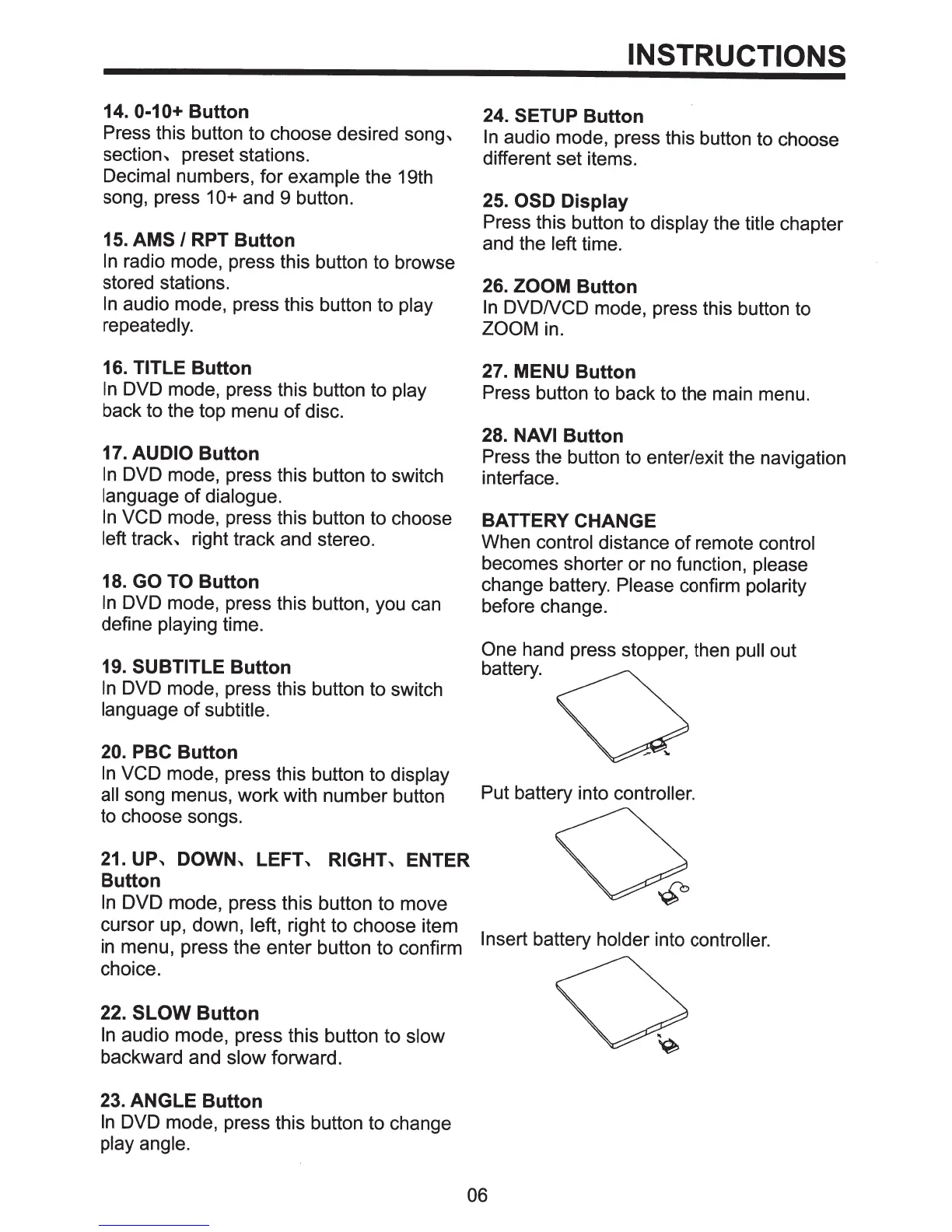
One hand press stopper, then pull out
battery.
Put battery into controller.
Insert
battery holder into controller.
06



 To Next Page