Turn on/off
When the ignition switch
is
put
in
ACC
or
ON position,
Press
[
6]
button on the front
panel
to turn on the unit.
After the host starts,
hold
[
6
]
button for 3 seconds, the host
will
turn off.
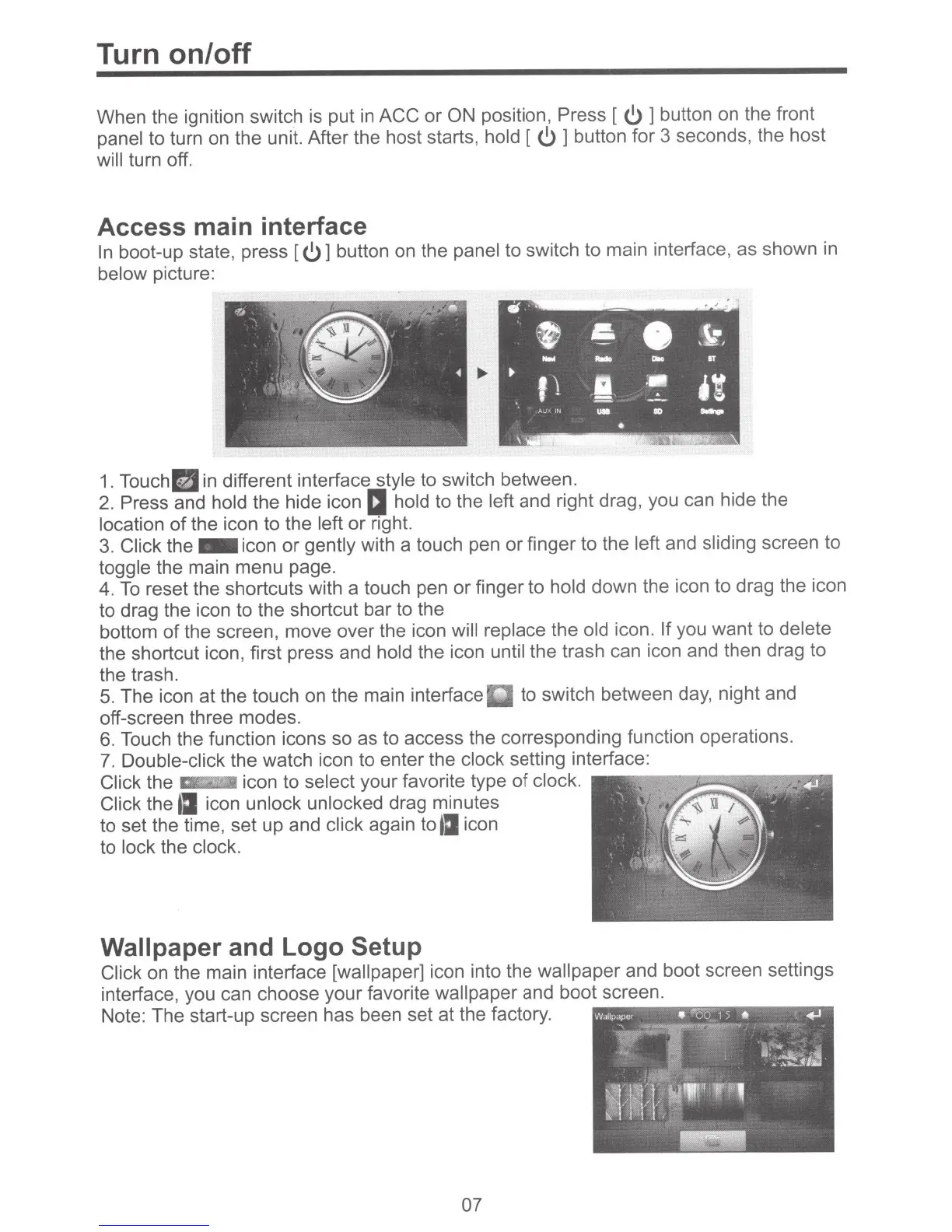
Access main interface
In
boot-up state, press [
6]
button on the
panel
to switch to main interface, as shown
in
below
picture:
~
-
•r,J<~
e
.
..
.
"'.#
~
~
,,
~
&
8
'Y
.
-
\ I
"-
j..._
z
-
OT
-
-
~
~
f!
.I .
:•
·~
~~~.
.-·
-
J.,_'•lli
....
80
-
•
\
'i·
1.
Touch
~
in different interface
style
to switch between.
2.
Press
and
hold
the hide icon
IJ
hold to the
left
and right drag, you can hide the
location
of
the icon to the left
or
right.
3.
Click the
-icon
or
gently
with a touch pen or finger to the left
and
sliding screen to
toggle
the main menu page.
4.
To
reset the shortcuts with a touch pen or finger to
hold
down the icon to drag the icon
to drag the icon to the shortcut bar to the
bottom
of
the screen, move over the icon
will replace
the
old
icon.
If you want to delete
the shortcut icon, first press and
hold
the icon until
the trash can icon and then drag to
the trash.
5.
The icon
at
the touch on the main interface to switch between day, night and
off-screen three modes.
6.
Touch the function icons so as to access the corresponding function operations.
7.
Double-click the watch icon to enter the clock
setting interface:
Click the ·
icon to
select your favorite type
of
clock.
,.,..-------.----....,..,.,
Click the
tJ
icon
unlock unlocked
drag minutes
to set the time, set up and
click
again to
tJ
icon
to lock the
clock.
Wallpaper
and Logo
Setup
Click
on the main interface
[wallpaper] icon into the
wallpaper and boot screen settings
interface, you can choose your favorite
wallpaper
and boot screen.
Note: The start-up screen has been set at the factory.
07



 To Next Page