Radio Operation
1. Enter/exit
Touch [Radio] icon in the main interface to enter into the radio interface.
Touch [
m ]
icon to return to main interface, and then touch other function icons so
as to exit radio mode.
2. Operation stored radio
Each band can be stored six radio stations, radio stations can be stored
directly click
(P1-P6) choice, and
will be
displayed
on the screen.
3.
How
to
save radio stations
Select a band, and then
select
a radio station. Press and
hold button (P1-P6) to
select
the preset
number will
appear in the corresponding number button on the screen.
4.
Band
selection
Touch
[Iii]
icon so as to switch among
FM1
, FM2, FM3, AM1, AM2 bands.
5.
Search/Save
radio stations
Short
touch the
[[i,1]
button, browse 1-6 sets
of
bits stored on the radio, Long touch
the
[[i,1]
button to long-automatic
station search, and the strongest radio signals P1-P6
are stored in the
display position on the table.
6.
Play
radio
station selection
Touch
[(;11]
icon pop-up selection
sets the keybo.ard input radio frequency
selectable
radio frequency spectrum or you can drag directly
touch the icon to
select a stored radio
station.
7.
Other
Functions
Touch
[mJ]
icon to access sound setting interface.
Touch
[IGI]
icon so as to turn on/off
loudness function.
Touch
[DI]
can enter icon spectrum interface.
Double-click
the spectrum can switch over
the spectrum
style.
Touch
[I:B]
icon so as to turn on/off Long/Short-Range function.
Touch
[liJ]
icon to turn on/off stereo.
8.
RDS
Function
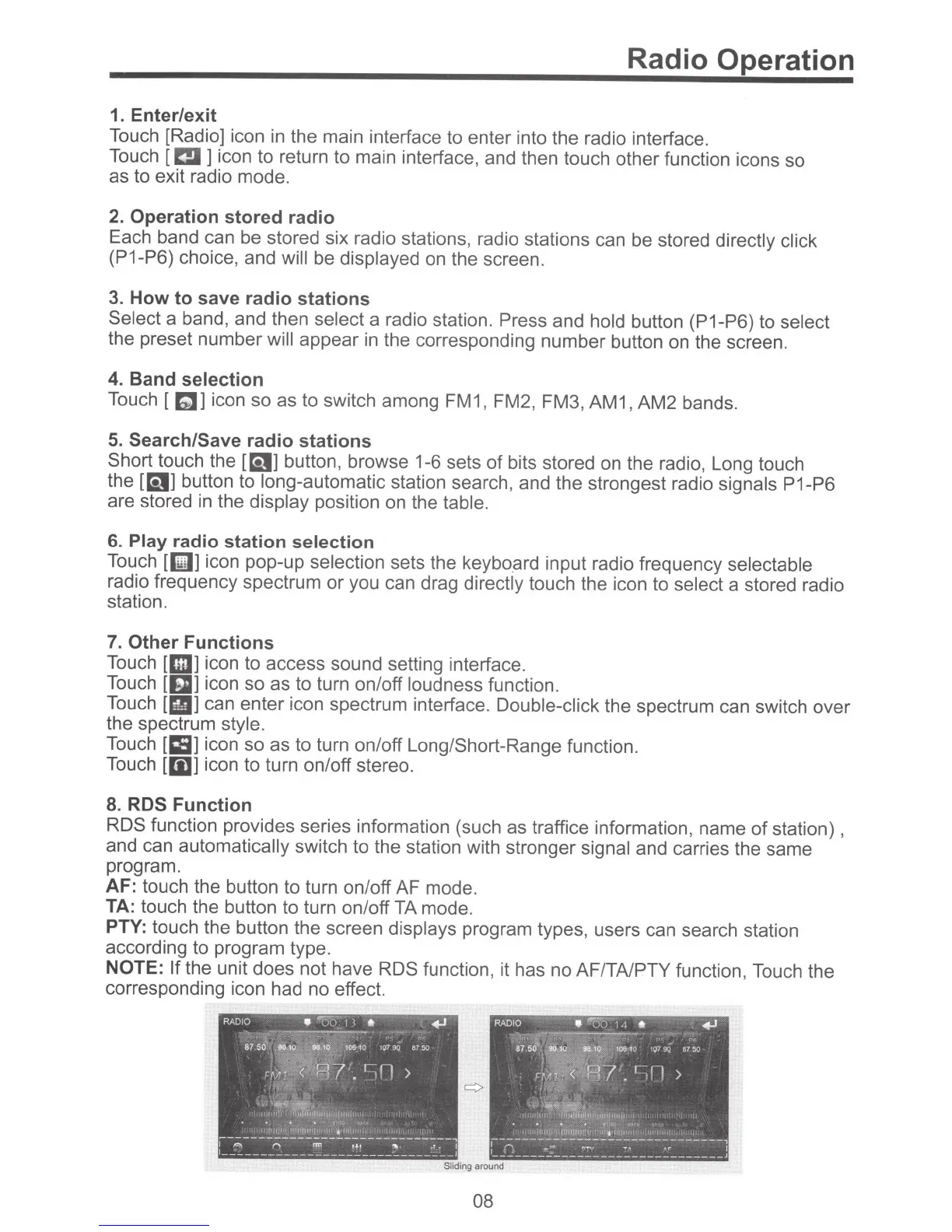
RDS function provides series information (such as traffice information, name
of
station) ,
and can
automatically
switch to the station with stronger signal
and carries the same
program.
AF:
touch the button to turn on/off AF mode.
TA:
touch the button to turn on/off TA mode.
PTY:
touch the button the screen
displays
program types, users can search station
according to program type.
NOTE:
If
the unit does not have
RDS
function, it has no AF/TA/PTY function, Touch the
corresponding icon had no effect.
Sliding
around
08



 To Next Page