EasyManua.ls Logo

Boss DD-5 - Page 9

Boss DD-5
14 pages
Print Icon
To Next Page IconTo Next Page
To Previous Page IconTo Previous Page
Loading...
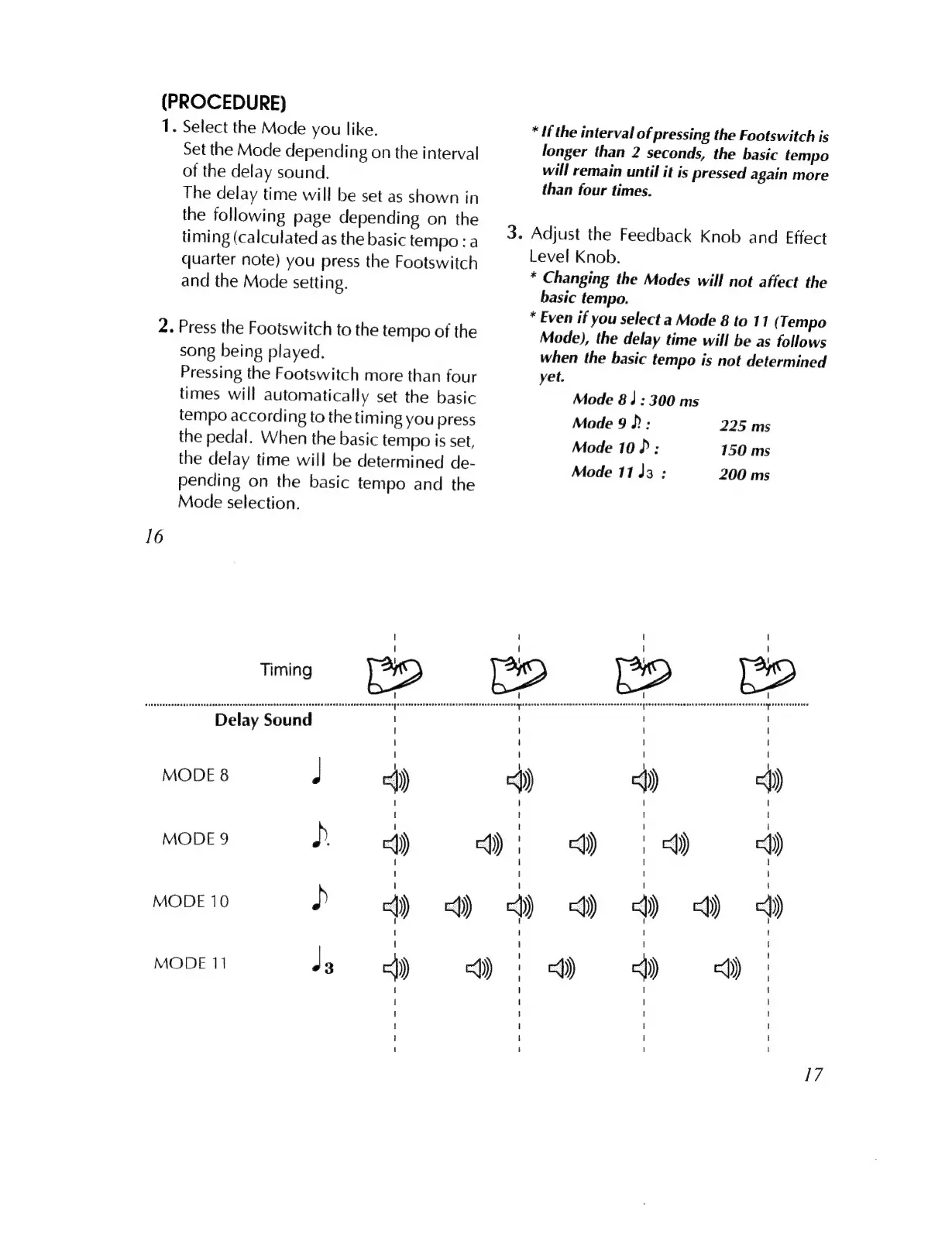
(PROCEDURE)
1.
Select
the
Mode
you
like.
16
Timing
po
aga
MODE
8
J
4j
MODE
9
D
4)
MODE
10
D
4)
c)
voon
ey
Set
the
Mode
depending
on
the
interval
of
the
delay
sound.
The
delay
time
will
be
set
as
shown
in
the
following
page
depending
on
the
timing
(calculated
as
the
basic
tempo
:
a
quarter
note)
you
press
the
Footswitch
and
the
Mode
setting.
.
Press
the
Footswitch
to
the
tempo
of
the
song
being
played.
Pressing
the
Footswitch
more
than
four
times
will
automatically
set
the
basic
tempo
according
to
the
timing
you
press
the
pedal.
When
the
basic
tempo
is
set,
the
delay
time
will
be
determined
de-
pending
on
the
basic
tempo
and
the
Mode
selection.
<)
<)
3:
*
If
the
interval
of
pressing
the
Footswitch
is
longer
than
2
seconds,
the
basic
tempo
will
remain
until
it
is
pressed
again
more
than
four
times.
Adjust
the
Feedback
Knob
and
Effect
Level
Knob.
*
Changing
the
Modes
will
not
affect
the
basic
tempo.
*
Even
if
you
select
a
Mode
8
to
11
(
Tempo
Mode),
the
delay
time
will
be
as
follows
when
the
basic
tempo
is
not
determined
yet.
Mode
8
J
:
300
ms
Mode
9)
:
225
ms
Mode
10
:
150
ms
Mode
11
l3
:
200
ms
cd)
cq)
)
Y
cQ)
c1)
cj)
cQ)
|
17

Related product manuals