6
Panel Descriptions
6. INPUT Jack
This jack accepts signals coming from a gui-
tar or other musical instrument, or another
effects unit.
* The INPUT jack doubles as power switch.
Power to the unit is turned on when you plug
into the INPUT jack; the power is turned off
when the cable is unplugged. When not using
the effects unit, be sure to disconnect the plug
from the INPUT jack.
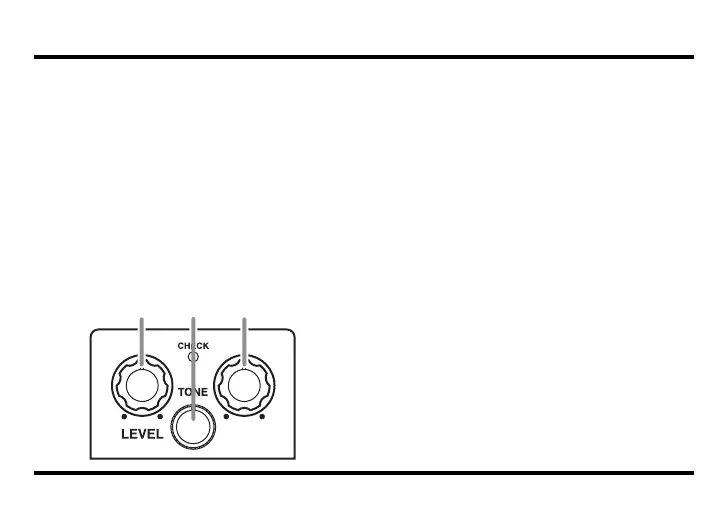
fig.02
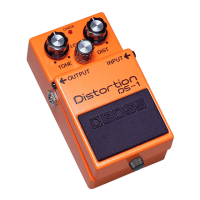
7. LEVEL Knob
This adjusts the volume of the effect sound.
* No sound is output when this knob is turned
completely counterclockwise.
8. TONE Knob
This adjusts the tone of the sound. Turning
the TONE knob clockwise emphasizes the
high-frequency range, resulting in a tone
with greater attack; turning it counterclock-
wise creates a soft tone with reduced treble.
9. DRIVE Knob
This knob controls the amount of overdrive.
Tuning the knob clockwise boosts the
amount of overdrive applied.
DRIVE
8
7 9
DN-2_e1.fm 6 ページ 2006年12月8日 金曜日 午後1時44分



 To Next Page