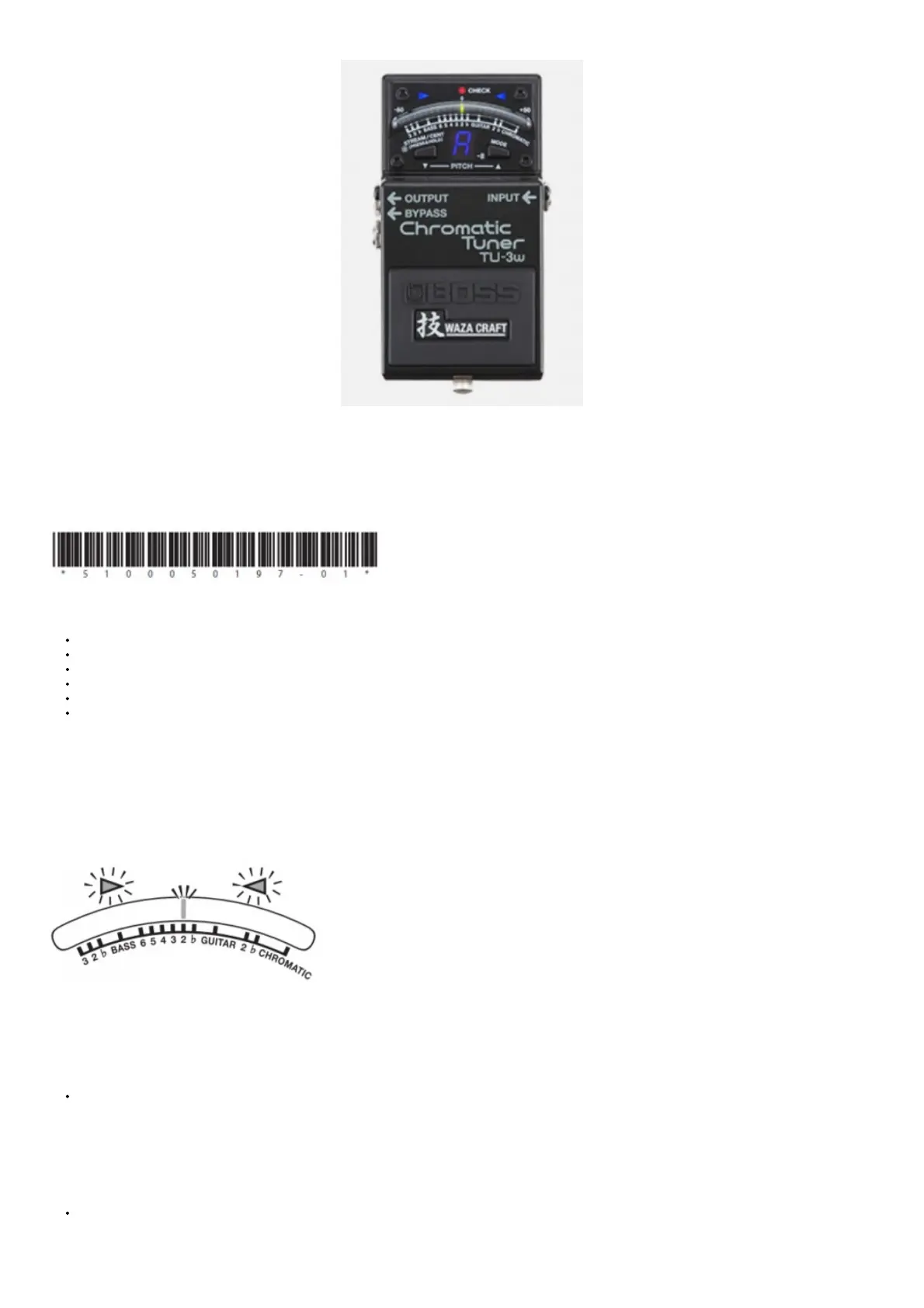
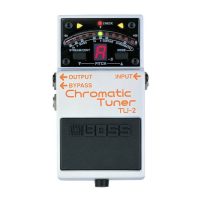
BOSS TU-3W Chromatic Tuner Owner’s Manual
Owner’s Manual
Before using this unit, carefully read the sections entitled: “USING THE UNIT SAFELY” and “IMPORTANT NOTES” (supplied on a separate sheet). These sections
provide important information concerning the proper operation of the unit. Additionally, in order to feel assured that you have gained a good grasp of every feature
provided by your new unit, this manual should be read in its entirety. The manual should be saved and kept on hand as a convenient reference. A battery is supplied
with the unit. The life of this battery may be limited, however, since its primary purpose was to enable testing.
Main Features
TU-3W features a function that allows you to switch between the true bypass and buffered bypass.
High Brightness mode enhances meter visibility outdoors.
Accu-Pitch Sign function uses the motion of the meter’s lights to show when tuning is completed.
Guitar/Bass mode lets you tune by string number, with support for 7-string guitars and 6-string basses.
Flat tuning is supported with Guitar Flat mode, which allows for “down” tunings up to six semitones below standard pitch.
Switching on the tuner automatically mutes the output signal, allowing you to tune without outputting the sound.
How to Use the Tuner
1. Connect the guitar or bass you want to tune to the INPUT jack. (This switches on the power.)
2. Press the pedal switch to turn the tuner on. The CHECK indicator will light.
3. Play a single note on your guitar or bass, and tune it. The note name or string number closest to the tone being played appears in the display. Tune the
instrument so that both Tuning Guide indicators are lit and the center of the meter is lit green. (Cent display) The meter will light farther toward the left as the
pitch gets flatter,
or farther toward the right as the pitch gets sharper.
* When the Accu-Pitch Sign function is on, the meter lights stream toward the center of the display when stable tuning at the correct pitch is reached.
* The meter behavior described here is when the CENT display is selected (the factory setting). The behavior is different when you’ve selected the STREAM display.
* The sound from the OUTPUT jack is muted when the tuner is on.
Convenient Functions
Having the Meter Indicate Completion of Tuning (Accu-Pitch Sign function) When the Accu-Pitch Sign function is on, the meter lights stream toward the center of
the display when stable tuning at the correct pitch is reached.
1. While holding down the STREAM/CENT button, turn on the power (insert a plug into the INPUT jack).
2. Press the STREAM/CENT button again to toggle the Accu-Pitch Sign function on/off.
On: The meter lights stream to the center from the left and right.
Off: The meter lights up at the left and right.
* The TU-3W returns to its normal state when several seconds have elapsed without the STREAM/CENT button being pressed.
* This setting remains stored even after the power is turned off.
Changing the Reference Pitch
You can adjust the reference pitch over a range of 436-445 Hz. (440 Hz is the factory default.)
1. Press the MODE button and STREAM/CENT button simultaneously. The lowest digit of the current reference pitch (e.g., “0” when set to 440 Hz) blinks in
the Note Name/String indicator.



 To Next Page