14
METAL DETECTING APPLICATIONS
(cont.)
USING HEADPHONES
Using headphones (not included) improves battery life, and prevents the
sounds from annoying bystanders.
It also allows you to hear subtle changes in the sound more clearly,
particularly if searching in a noisy location. For safety reasons, do not use
headphones near traffic or where other dangers are present.
This device is to be used with interconnecting cables/headphone cables
shorter than three meters.
trash items. Gold rings will induce a low sound. Be aware that some
pull-tabs can also induce a low tone.
Silver will induce a high tone. Chains and necklaces are difficult to
find. If you are looking for gold rings, don’t get discouraged; you
will dig up many broken pull-tabs before you find your first gold
ring!
HOUSEHOLD APPLICATIONS
Find property markers, lost keys, machine parts, and other lost
items..
CONTROL SETTINGS REQUIRED:
●
1 Toggle switch in center position.
●
2 Discriminate control knob is in OFF position.
GOLD PROSPECTING
Find gold in abandoned gold mines and river beds where gold is
continuously washed down stream from its place of origin.
CONTROL SETTINGS REQUIRED:
●
1 Toggle switch in center position.
●
2 Discriminate control knob is in OFF position.
3
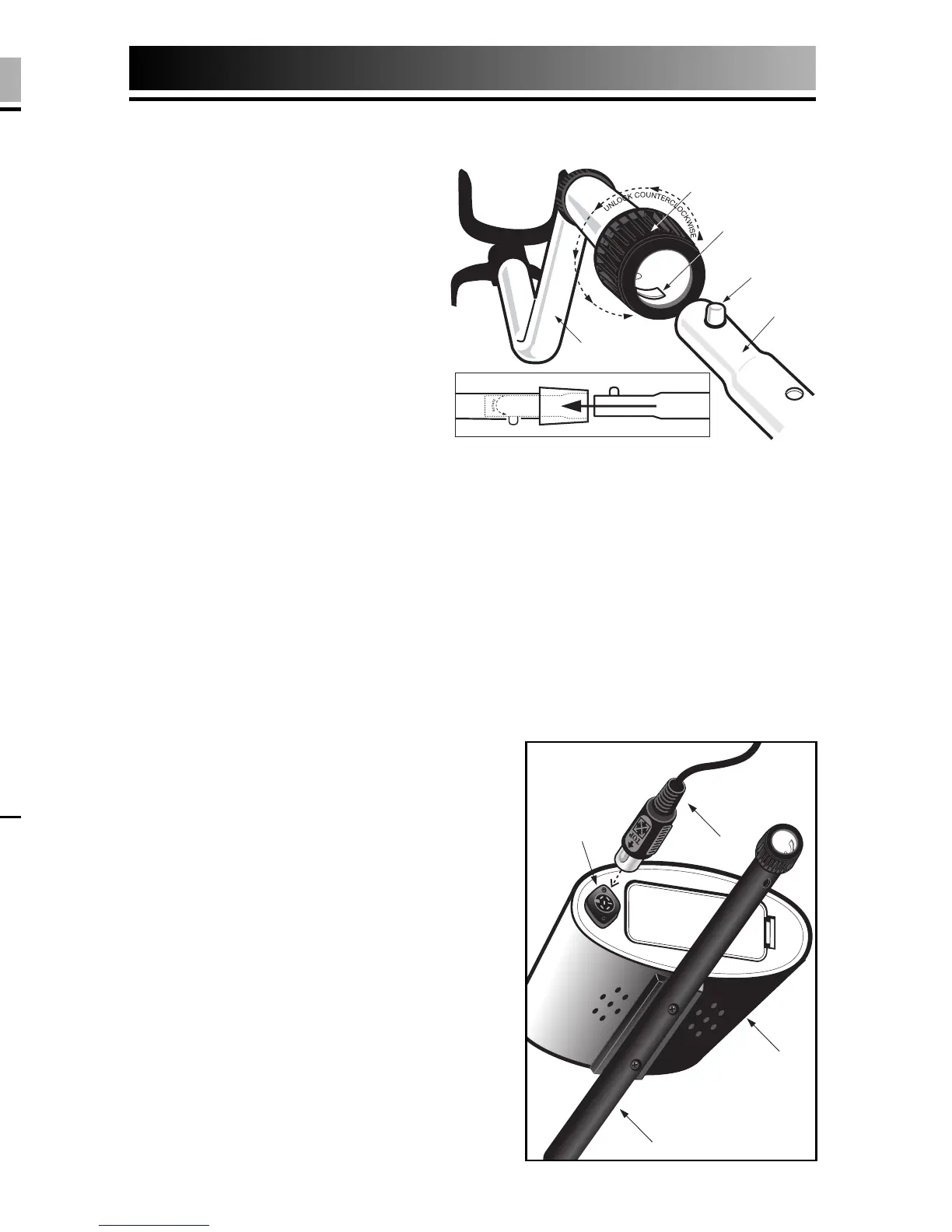
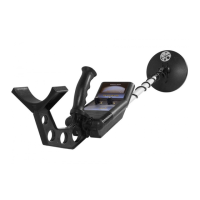
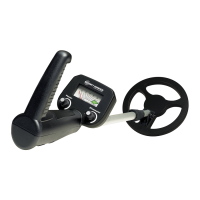
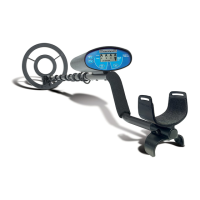
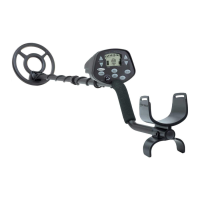
EASY ASSEMBLY
Assembly is easy and requires no tools.
●
1 Position detector upright.
●
2 Rotate the LOCKING
COLLAR fully in a counter
clockwise direction.
●
3 Insert your finger inside the
tube and make sure the
INTERNAL CAM LOCK is
flush with the inside of the
tube.
●
4 Insert the LOWER STEM into
the S-ROD.
●
5 Rotate the LOWER STEM until the SILVER BUTTON locates in the hole.
●
6 Twist the LOCKING COLLAR fully in the clockwise direction until it locks.
●
7 If your detector has 3 tubes and 2 locking collars, repeat this process
on the Middle Stem.
●
8 Position the Lower Stem (the straight tube) with the Silver Button
toward the back. Using the Bolt and Knurled Knob, attach the
Searchcoil to the plastic extension protruding from the Lower Stem.
●
9 Press the button on the upper end of the Lower Stem, and slide the
Lower Stem into the S-Rod.
Adjust the Stem to a length that lets
you maintain a comfortable upright
posture, with your arm relaxed at
your side, and the Searchcoil parallel
to the ground in front of you.
●
10 Wind the Cable securely around the
Stem.
●
11 Insert the Plug into the matching
Connector on the right underside of
the Detector Body. Be sure that the
key-way and pins line up correctly.
Caution: Do not force the plug in. Excess
force will cause damage.
To disconnect the cable, pull on
the plug.
Do not pull on the cable.



 To Next Page