30
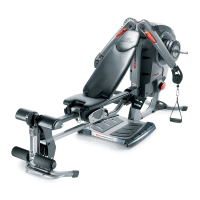
Installing Your Bowflex Ultimate
®
2 Cables
Cable Installation STEP 1
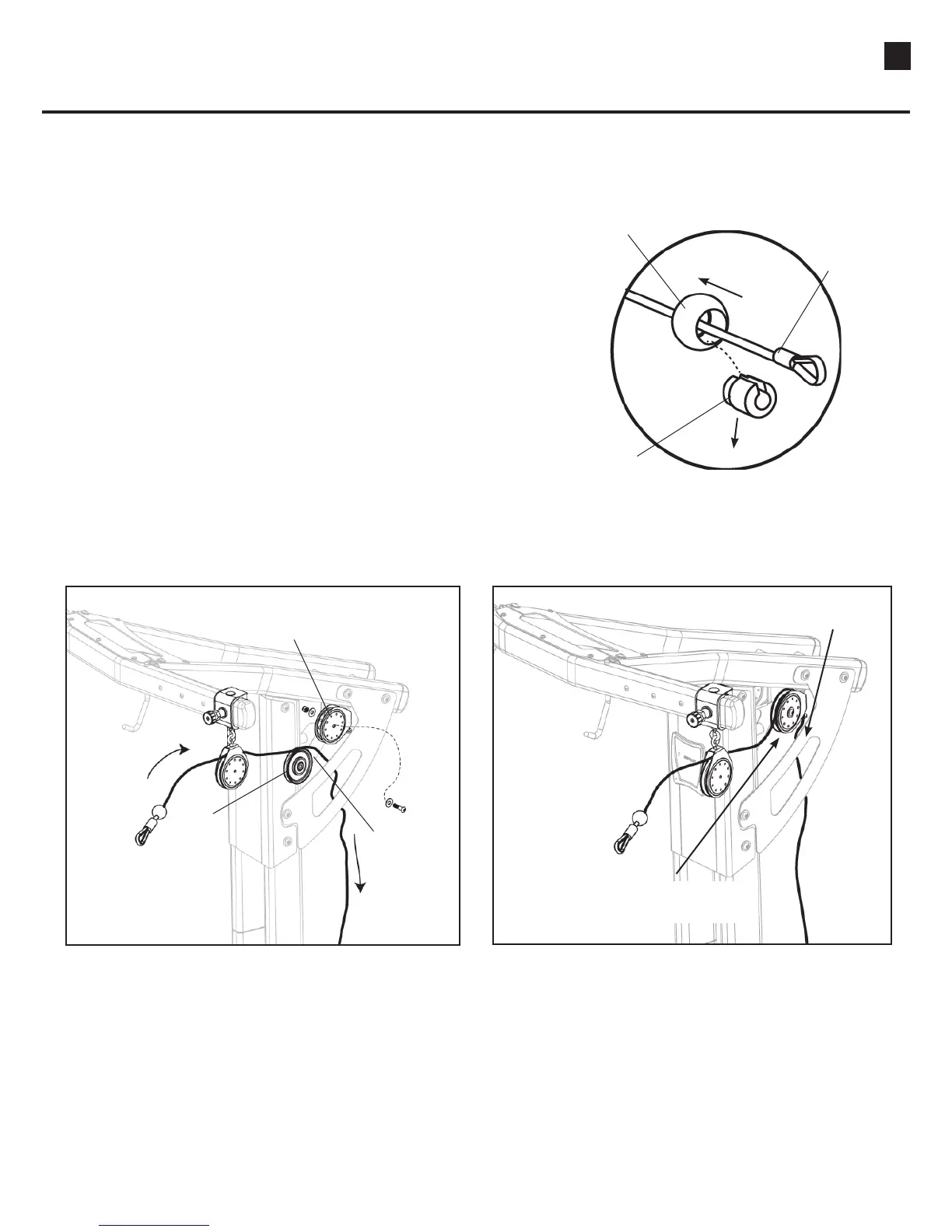
a. Uncoil cable from Upper Pulley Slider.
b. Remove Ball Stop from the end of cable that is to
be routed through pulleys by sliding the outer ball
back from the cable end and pushing out the slotted
insert. Slide the ball off of the cable and set aside.
(See Figure A)
c. Remove the pulley from the Upper Pulley Bracket,
wrap the cable over the pulley
(See Figure B) and
reinsert the pulley back into the Upper Pulley
Bracket. Make sure the cable is inside the Side
Plate before moving on to STEP 2.
(See Figure C)
Slide Ball Back
Remove Slotted Insert
Cable End
Remove Pulley from
Upper Pulley Bracket
Pulley
Route Cable
Over Pulley
Replace Pulley and Hardware
with Cable
Cable Routed Inside
Side Plate
Figure B Figure C
Figure A
Tool:
• Hex Key (7/32”)
• Wrench (9/16”)
- or Adjustable Wrench


 To Next Page