- 13 -
4.2 Turn on/off UPS
4.2.1 Connecting with Utility
CAUTION!
MAKE SURE GROUNDING IS PROPERLY DONE!
Check to see if the load is safely connected with the output of the UPS. If
the load is not ready to receive power from the UPS, make sure that it is
safely isolated from the UPS output terminals.
◆ Set the Battery Breaker to the ”ON” position according to the user’s manual.
◆ Switch on the UPS using the enter button with an input feeding the system.
The internal fan of the UPS starts spinning, the UPS will perform self-diagnostics until
the buzzer beeps twice to show the UPS is normal. The UPS will then go into bypass
operation, Utility LED and Bypass LED turn Green, the inverter will then start up.
When the inverter operation is "normal", the UPS transfers to working mode and the
load is supplied by the inverter.
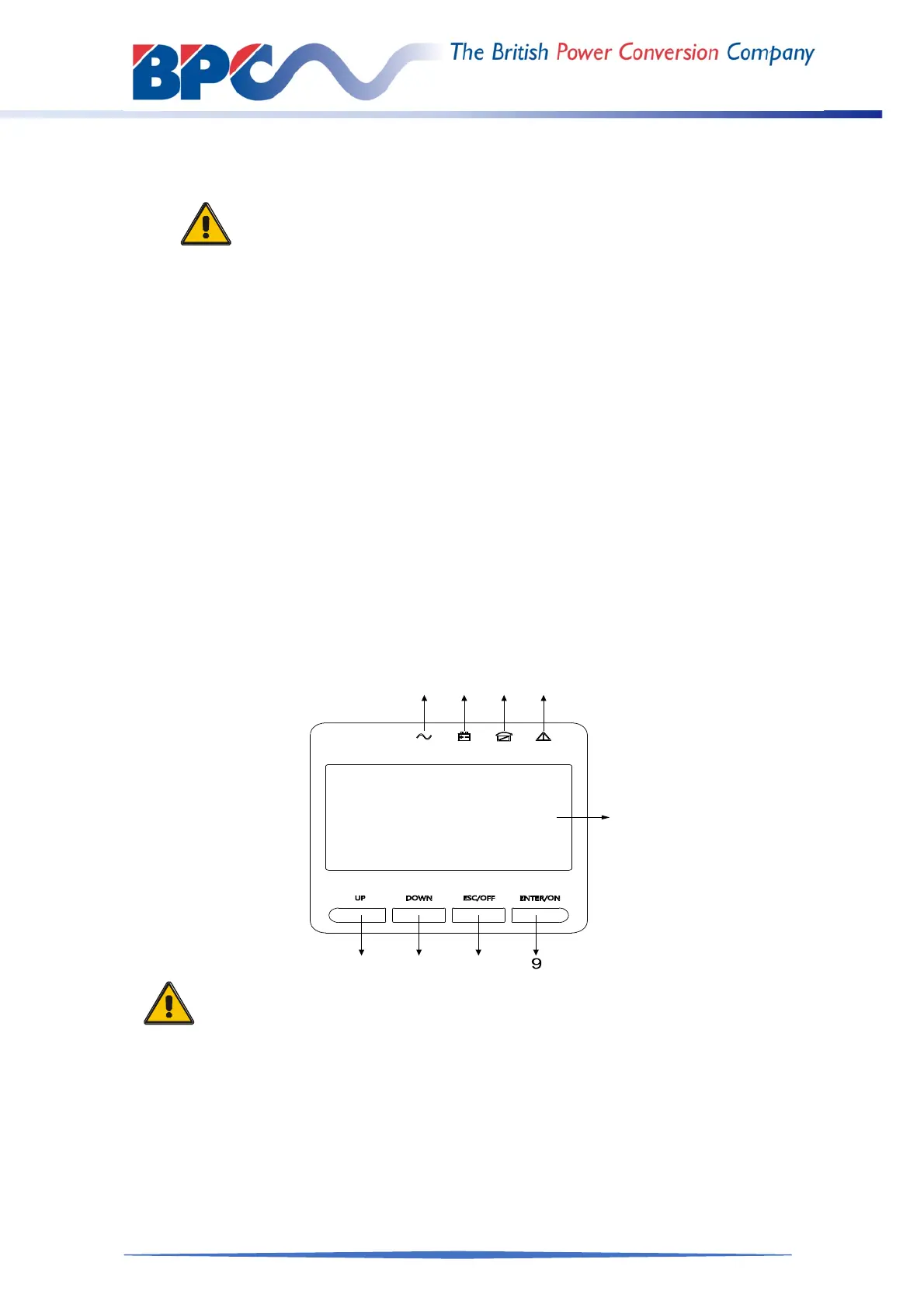
The LCD display will indicate current status during any operational state of the UPS
System. The top lines display the UPS operational status and the bottom lines
indicate alarm conditions when they occur
4.2.2 Black(Cold) start procedure
CAUTION!
Follow these procedures when the input AC Utility Failure, but battery
is normal.
Wait for approximately 30 seconds before you press the black start
key.
◆ Turn on the battery switch.
The battery will feed the Auxiliary power board.
◆ Trigger the cold start buttons at the position 9 in above drawing.
When battery normal, rectifier starts operation, 30s later, inverter starts
and operates, INV and output light up.



 To Next Page