- 16 -
4.4 Parameters setting
The setting function is controlled by 4 buttons (ENTER/ON, ESC/OFF, UP,DOWN): ENTER
goes into the setting page and value adjustment; UP & DOWN for choosing different pages.
After the UPS is turned ON, press the UP & DOWN buttons for 5 seconds to enter into the
setting interface page. To leave the menu, hold the “ESC/OFF” button until exited out of the
current interface.
Note: Press “DOWN” to confirm selection and exit setting mode after the last selection,
settings will not be saved otherwise.
4.4.1 Mode setting
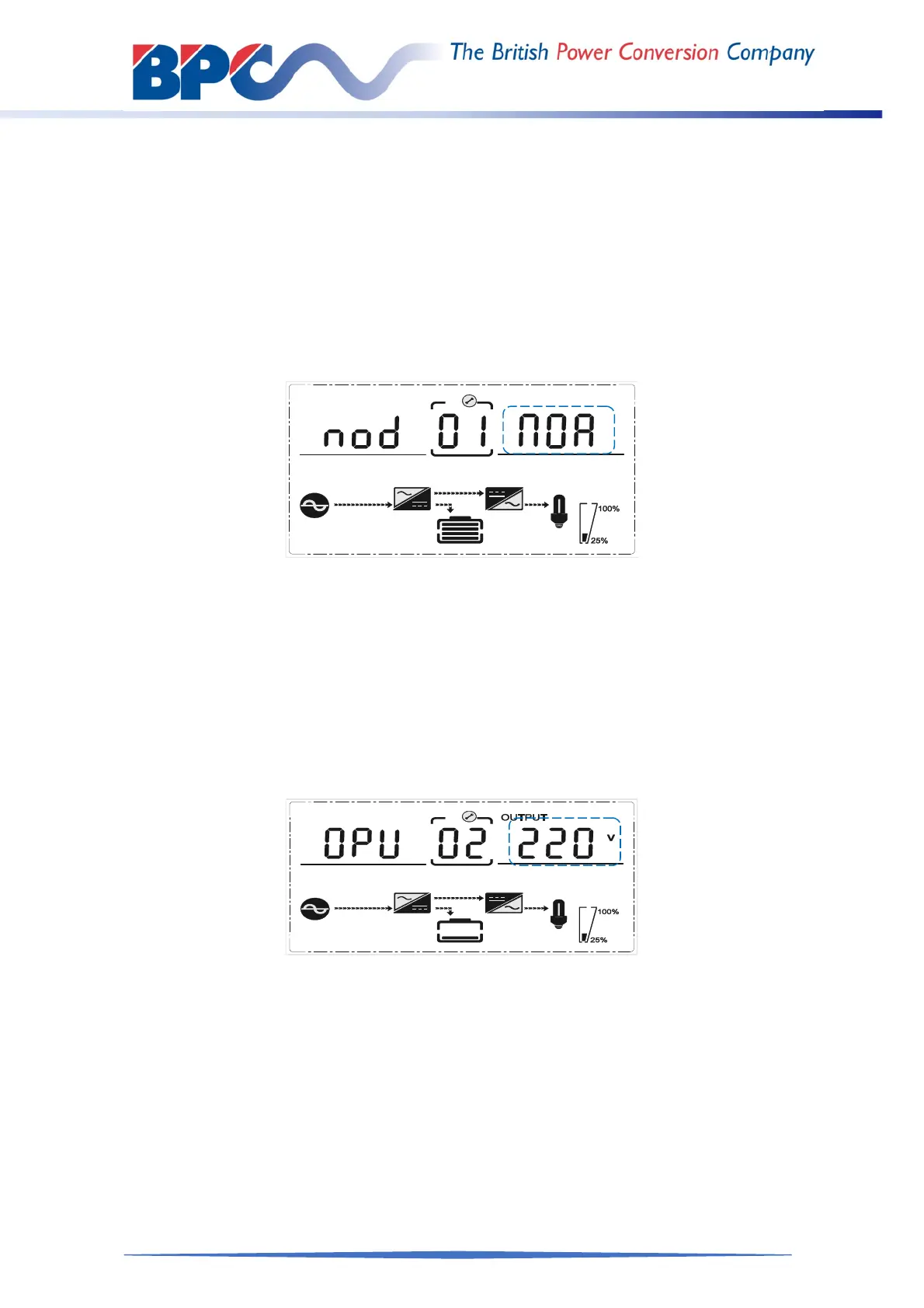
Mode setting (Note: Inside the broken-line is the flashing part.)
After ENTERing the setting menu, it’s mode setting defaulted, and the mode setting line
flashing as in above picture.
Use button ENTER /ON to choose different mode. There are 4 different modes for
setting: ECO, PAL, NOR,CF.
Press UP & DOWN to exit the mode setting (save the mode setting), and goes to
output voltage setting or parallel redundancy quantity setting.
4.4.2 Output voltage setting
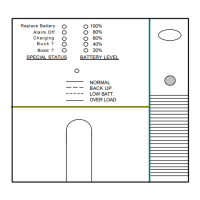
Output voltage setting
(Note: Inside the broken-line is the flashing part.)
When under the mode setting press DOWN or when under frequency setting press UP, it
goes to the output voltage setting. The output voltage line flashes as in above picture.
Use button ENTER/ON to choose the different output voltage. There are 4 different
voltages---208,220, 230, 240.
Press ESC/OFF button to exit the output voltage setting (save the output voltage
setting) and goes to mode setting or frequency setting.
NOTE: When powered by inverter, it is necessary to turn off the inverter before setting
voltage and frequency level.



 To Next Page