Lesson 7. Barcodes
18
BMP71 Tutorial
Enter a Barcode
4. Press Barcode .
5. Enter the data: 1234578
6. Press Barcode .
7. Press Enter , then type the word: WHITE
Edit the Barcode
1. Navigate to the left of the number 7 in the barcode.
2. Enter: 6.
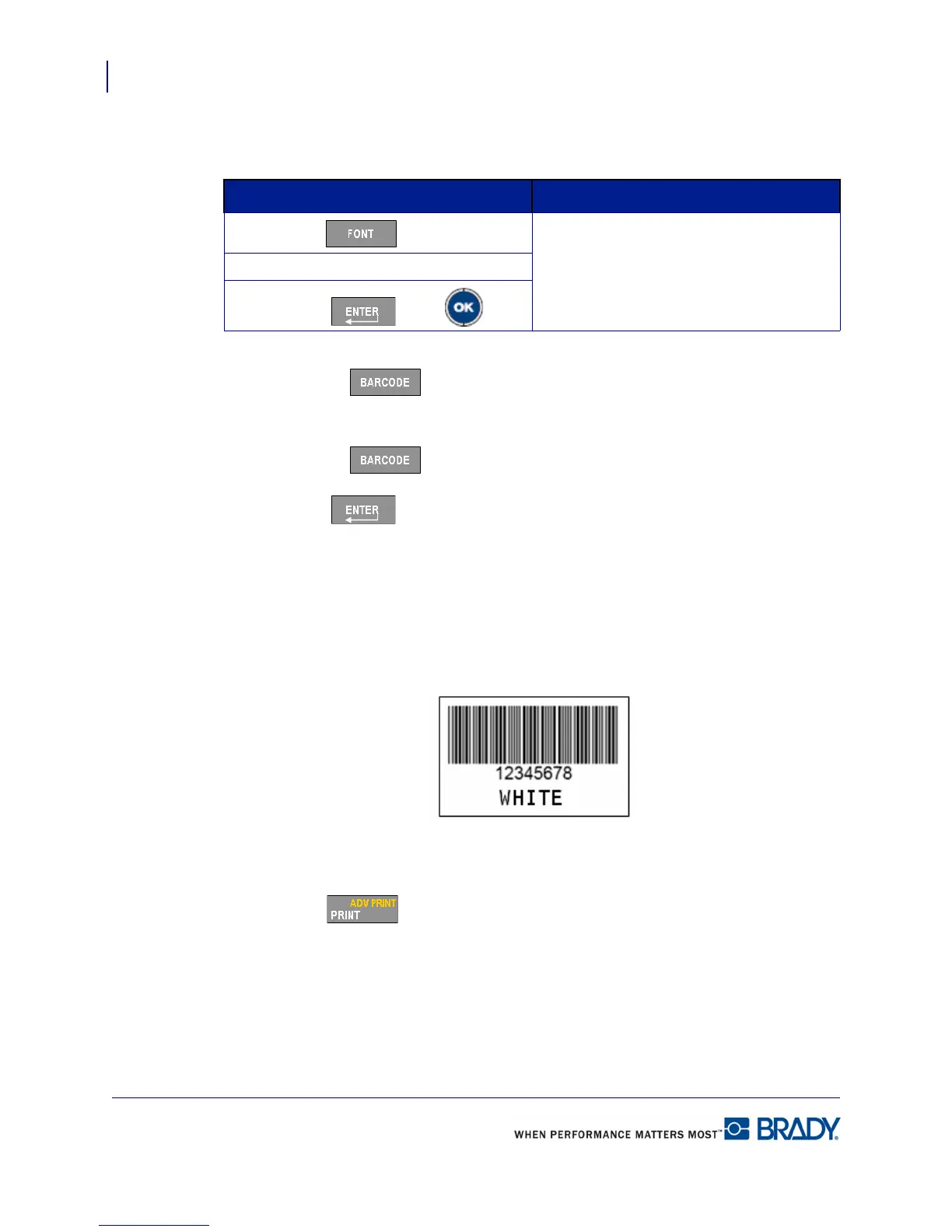
Your label should look like this:
Print Label
1. Press Print .
If using M71-31-423 media If using Continuous media:
1. Press Font .
1. Use Autosize (default).
2. Choose size 14 pt.
3. Press Enter or OK .


 To Next Page