19 User Manual
Setting a 5-2 Day Weekday/Weekend Program
(5-2 day residential programming mode only)
Available Daily Events: MORN, DAY, EVE, NITE
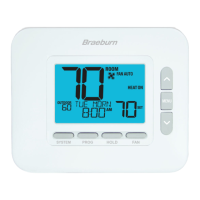
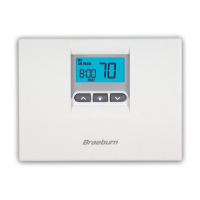
1. Press and release the PROG button.
2. Press SYSTEM to select HEAT or COOL.
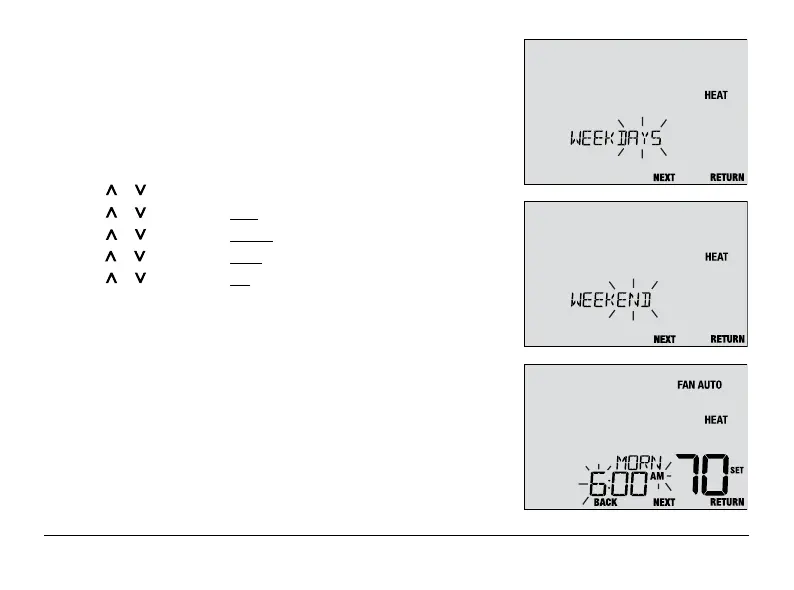
3. Press or to select WEEKDAYS or WEEKEND. Press NEXT.
4. Press or to adjust the hour for the first event. Press NEXT.
5. Press or to adjust the minute for the first event. Press NEXT.
6. Press or to adjust the temp for the first event. Press NEXT.
7. Press or to adjust the fan* for the first event. Press NEXT.
8. Repeat steps 4-7 for your remaining daily events.
9. If needed, repeat steps 3-8 to program additional days.
10. If needed, repeat steps 2-9 to program the opposite mode.
11. Press RETURN to exit.
* See “Programmable Fan Mode” in section 5.



 To Next Page