Program Event Indicators
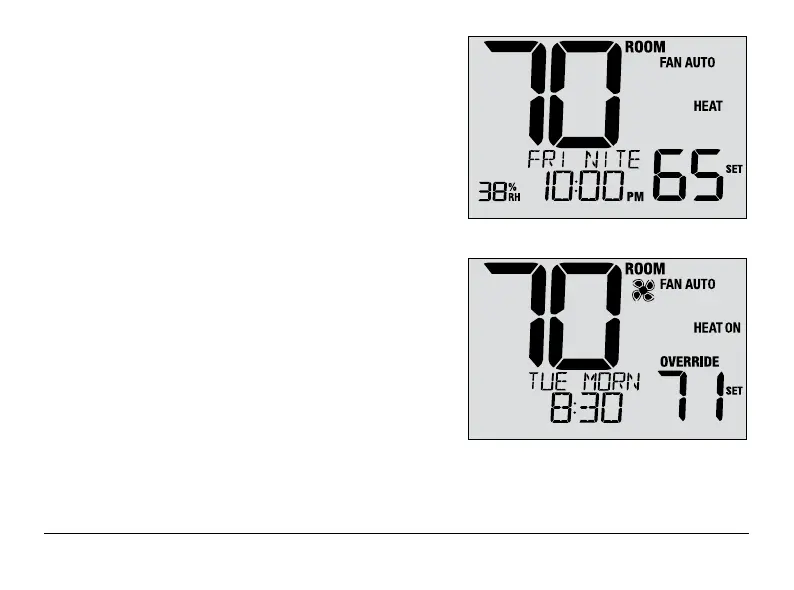
Program event indicators appear in the display to let you
know what part of your current program is active.
• Residential Program Mode: MORN, DAY, EVE or NITE
• Commercial Program Mode: OCC (occupied) or
UNOC (unoccupied)
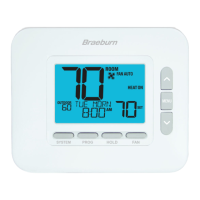
When OVERRIDE appears, your program has been temporarily
overridden and will resume in 1-4 hours depending on the
selection for User Setting 16 in section 2. The program will also
resume at the beginning of the next scheduled program event.
NOTE: If your thermostat was configured to be
non-programmable, or is in HOLD mode, you will
not see a Program Event or OVERRIDE indicator.
AM
23 User Manual



 To Next Page