3
. KEY FUNCTION:
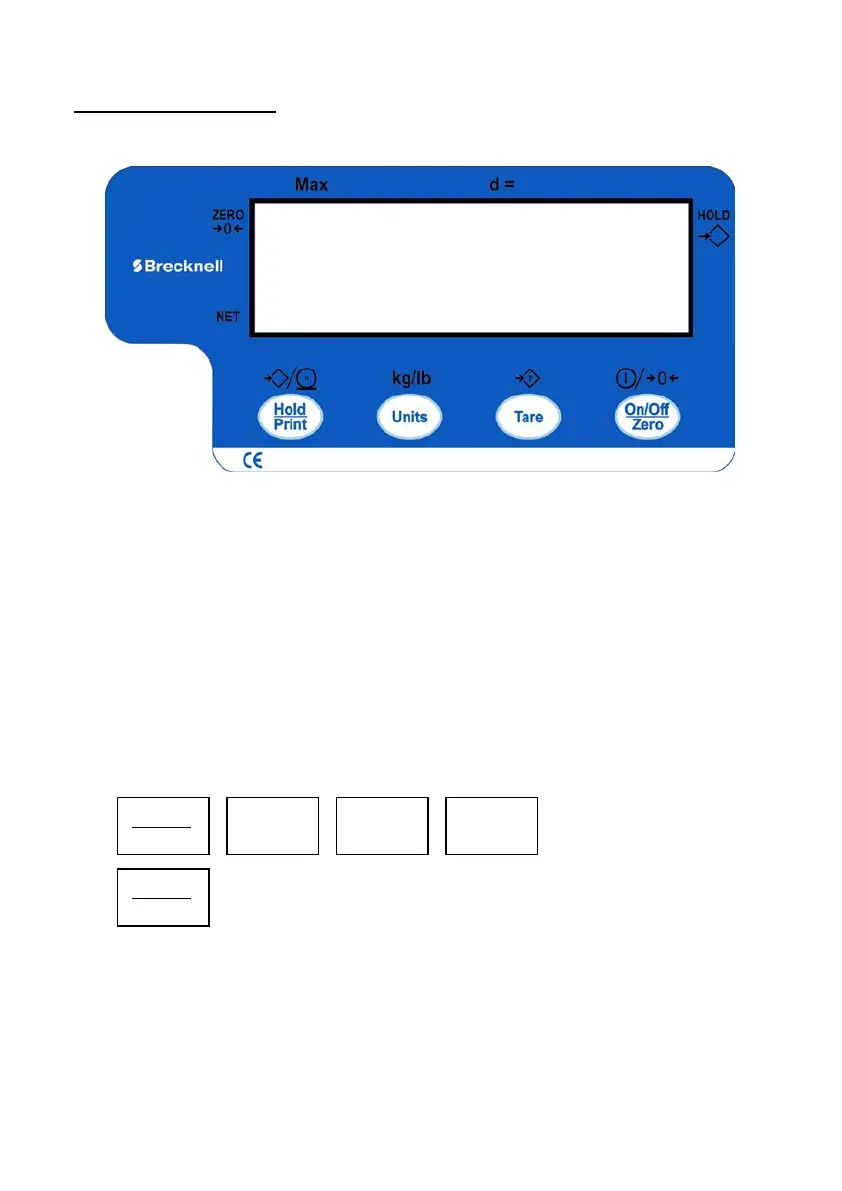
1. FACEPLATE:
2. DISPLAY SYMBOL MEANING:
Zero ◄--------The scale is at zero point and the gross weight is 0
Net ◄---------The display reading is net weight, and the tare weight is not 0.
Hold -------The scale is under HOLD mode.
It displays the current live weight when flashed, and the locked reading will
be shown when does not flash and comes steady.
3. SUMMARY of KEY DEFINITION:
3.1 In normal weighing mode press and hold down keys for 3 seconds:
(1)
a. If this key is only set for HOLD (P2=0), press this key to enter or exit HOLD
mode.
b. If this key is only set for PRINT (P2=1), press this key to output the data
according to P4 setting.
c. If this key is set for both HOLD and PRINT function (P2=2), press this key to
output the data according to P4 setting.



 To Next Page