36
English
EN
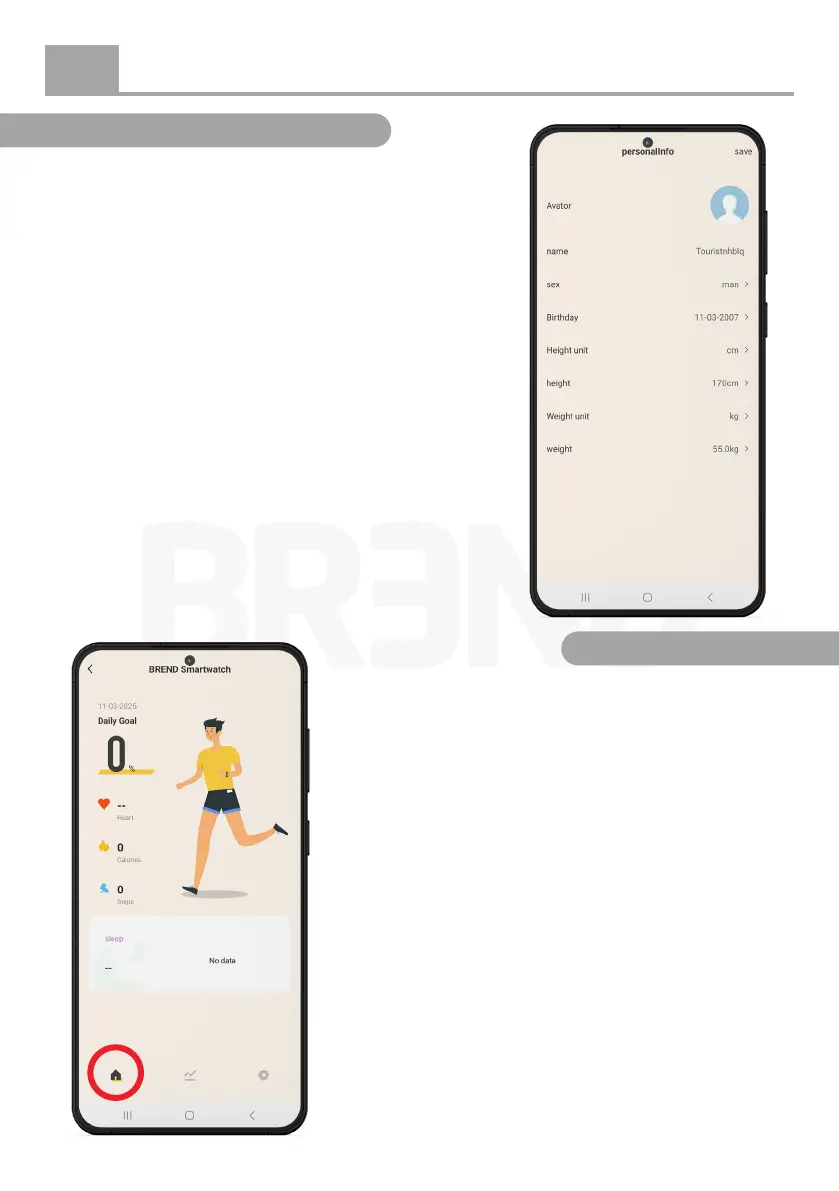
Step 10: Personal settings
After completing the previous steps, you will reach the
settings and home screen of the smartwatch. Here, you
can enter your personal information.
Step 11: App tour
After entering your personal details, the app’s home
screen will be displayed.
On the left side, you will see a house icon. Here, you
can nd an overview of the measurements taken by
your smartwatch.


 To Next Page