40
English
EN
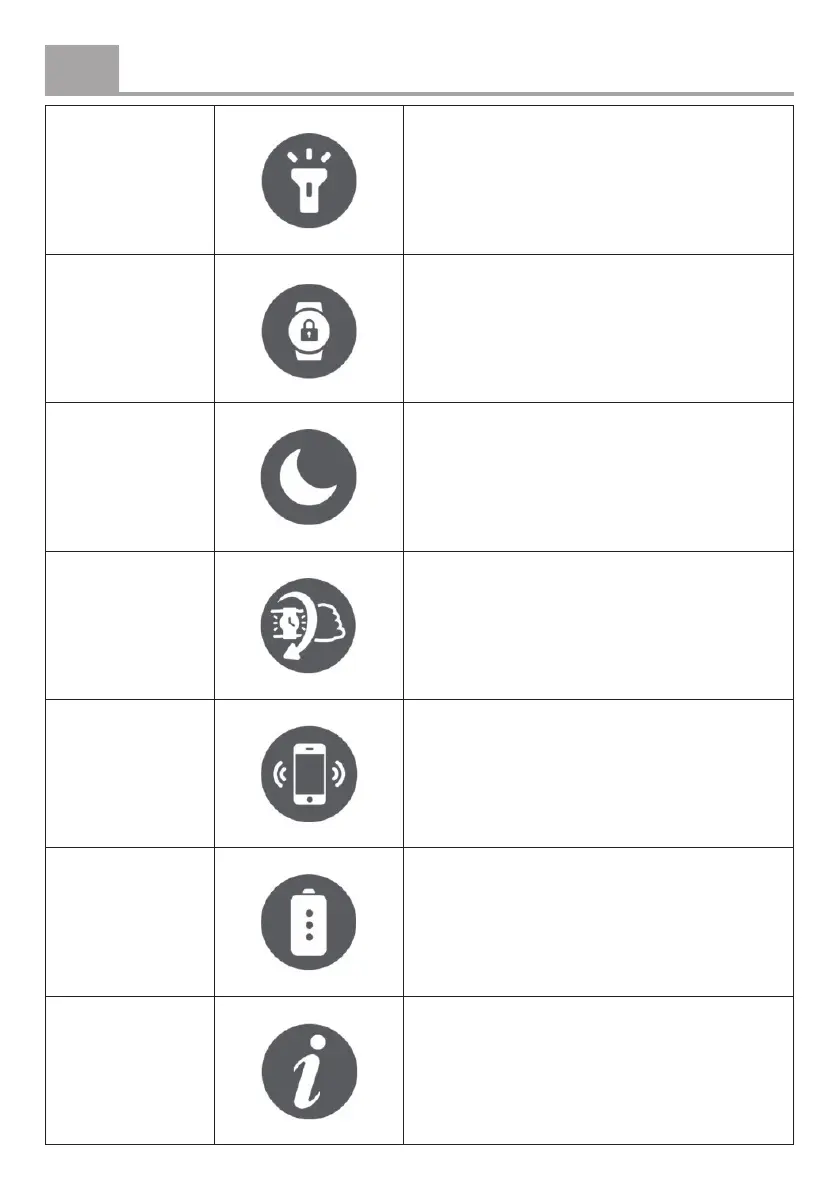
Flashlight
Activate the ashlight function. Press the
function button again to turn it o.
Screen lock
Lock the screen to prevent accidental
touches. Press and hold the function button
to unlock.
Do Not Disturb
Disable all vibrations, sounds, and
notications. The ‘Wrist Raise to Wake’
feature will also be deactivated when this
mode is enabled.
Wrist Raise to
Wake
Enable this feature so the screen lights up
when you raise your wrist.
Find phone
Tap to play a sound on your phone, helping
you locate it.
Power saving
mode
Activate to display only the time (all other
functions will be disabled). Press and hold
the function button to exit this mode.
Information View product information.


 To Next Page