Network Status
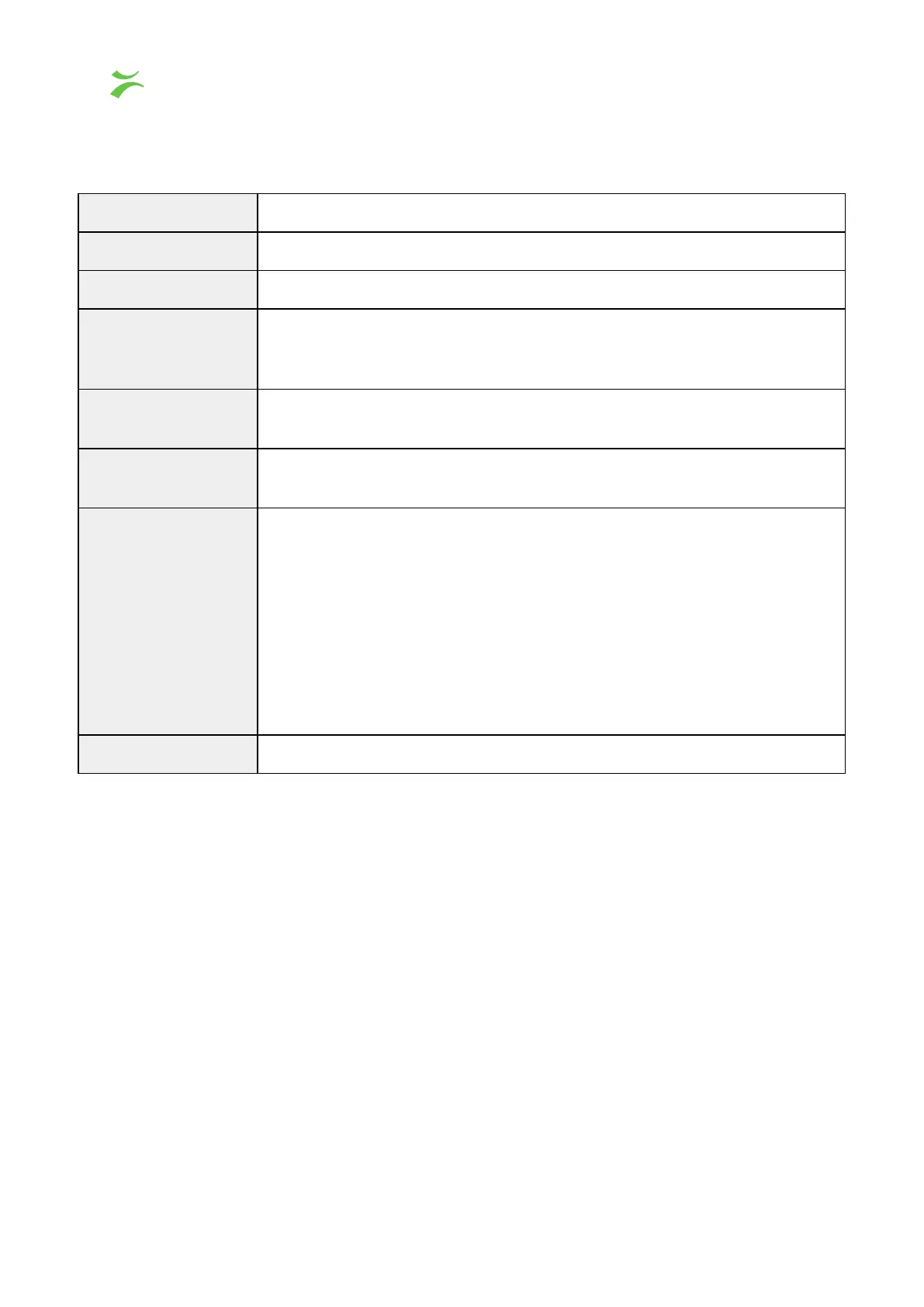
shows a quick presentation of key information about each network interface
on the probe. The different sections are elaborated in the following table.
For more detailed information, click the Details button to the right and a drop-down menu
will appear as shown in the screenshot below.
Indicates if the network interface is connected.
The name of the network interface.
Physical link speed if the network interface is connected.
The traffic received on the interface measured per second. The bar
represents the amount of network traffic compared to the theoretical max
based on link speed.
Shows the name of the neighboring device retrieved through Link Layer
Discovery Protocol (LLDP), if available.
Displays the name of the port of the neighboring device if it is reported by
LLDP.
Shows the current state of the PTP clock on this interface, one of:
● Slave – PTP clock is slaved and synchronized
● Uncalibrated – PTP clock is slaved, but not synchronized
● Listening – Listening for eligible PTP master clocks
● Faulty – Failed to synchronize local PTP clock against master clock
● Disabled – PTP synchronization on this interface has been disabled
manually in Expert View Setup. When disabled, the PTP clock will be
synchronized against the less accurate system clock internal to the
probe. The system clock might be free-running, or synchronized to
NTP servers or a PTP clock on another interface.
Shows the current date and time of the PTP clock on this interface.
10 VB440 Studio Probe User’s Manual v6.0 © Bridge Technologies Co AS



 To Next Page