Clicking the Debug data export option will generate a document containing debug information that may
be useful if VB440 Studio Probe misbehavior is reported. This file should be sent along with a description
of the misbehavior.
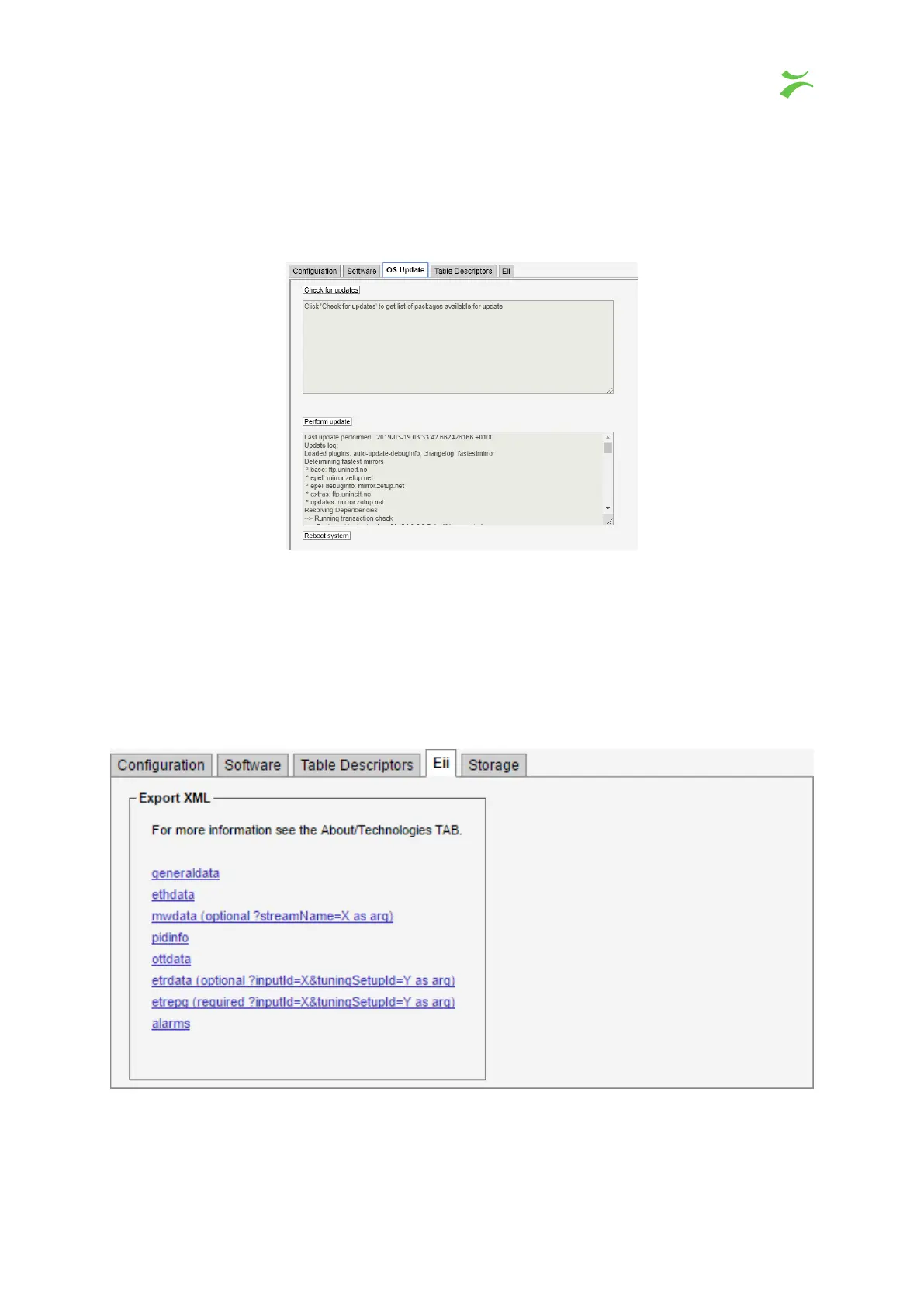
5.1.2 Data — OS Update
On this page you can update the whole OS, including the probe software to the latest version. Press
Check
for updates
to see what is available. To install the latest version, press
Perform update
and wait until
it finishes. This might take a long time (several minutes). Please do not turn off, or reboot the machine
while the update is running. It might be advisable to reboot the server after an upgrade. To do so, press
the Reboot system button.
5.1.3 Data — Eii
The
External integration interface
(Eii) allows inclusion of Bridge Technologies equipment into 3rd
party NMS systems. In order to facilitate integration the
Data — Eii
view allows export of XML files
containing the data typically being requested by an NMS system via the regular Eii interface.
VB440 Studio Probe User’s Manual v6.0 © Bridge Technologies Co AS 53



 To Next Page