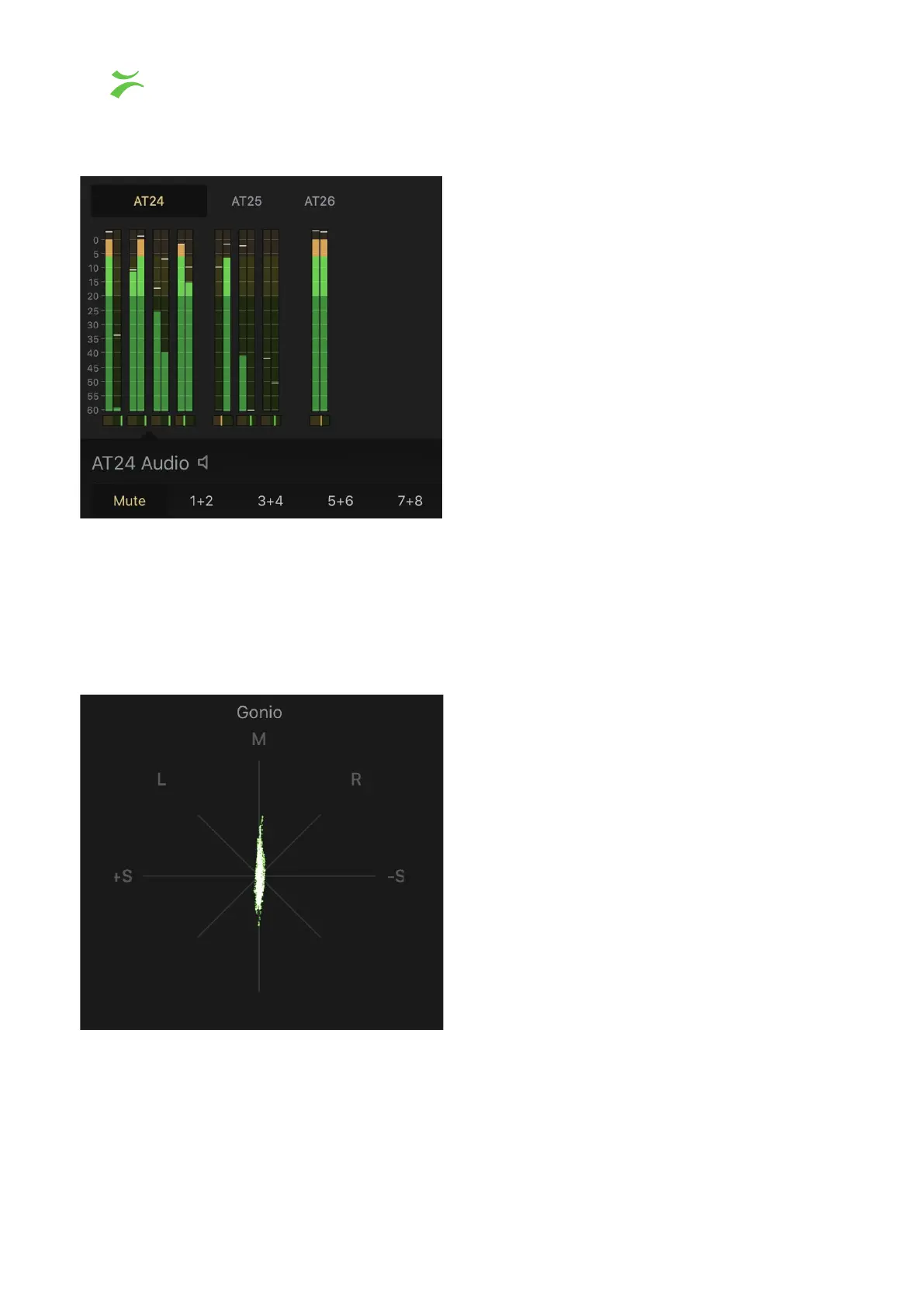
RMS Meter
In the screenshot above shows three audio flows, to select one, click on the flow name. The
first flow (AT24) contains eight audio channels. The audio channel is set to mute by default,
to enable audio, click on the preferred channel pair. Underneath each of the paired RMS
meters there is a Microphase meter.
Gonio Meter
A signal is plotted on each axis. A left-only channel will run a line from top left to the bottom
right on the L axis, and a right only channel will make the equivalent line on the R axis. A
mono signal will form a straight line in the M axis or be slightly angled according to balance.
A stereo signal on the other hand is not symmetrical and will form a jittery cloud. If one of
34 VB440 Studio Probe User’s Manual v6.0 © Bridge Technologies Co AS



 To Next Page