9
OPERATIONS
- Different scale modes (SCALE1, SCALE2, SCALE3, SCALE4) can be selected for
CA1 ~ CA2.
- SCALE1 and SCALE2 can be adjusted.
- When the trigger signal is activated, the selected scale is displayed on the monitor
screen.
*This is the electrical scale that is measuring the distance from the vehicles.
5. ADVANCED MENU
5.1. DISPLAY
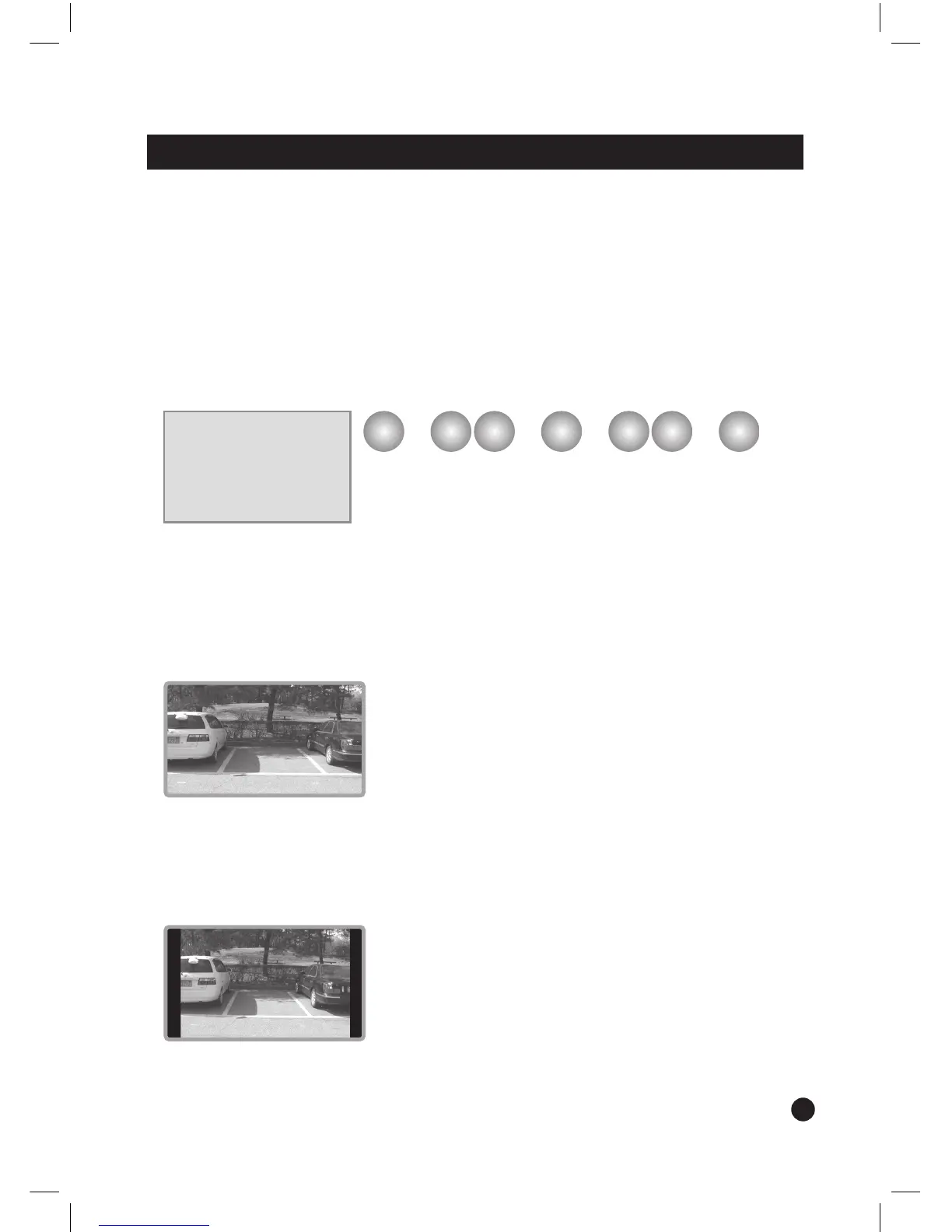
- FULL
- Display the image in the ration of 16:9.
- NORMAL
- Display the image on the screen in the ratio of 4:3.
5 ADVANCED MENU
1 DISPLAY: [FULL; NORMAL]
2 UP/DOWN: [UP; DOWN]
3 DAY/NIGHT CONTROL
4 AUTO POWER: [ON; OFF]
5 LANGUAGE: [ENGLISH; GERMAN; FRENCH]
MENU DN UP SELECT
–
+
MENU
➟ ➟ ➟ ➟
option settingselect
up/down move
enter
FULL DISPLAY
NORMAL DISPLAY
exit


 To Next Page