
 Need help?
Do you have a question about the Brigade Electronics BE-870EM and is the answer not in the manual?
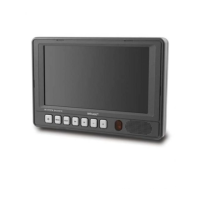
Manages the monitor's power state and standby behavior using the power button.
Adjusts video parameters like brightness, contrast, color, tint, and selects camera inputs.
Accesses setup menu for options like Normal/Mirror, Trigger Delay, and Camera Naming.
Configures display modes, auto power, day/night control, and uses the remote sensor.
Details the wiring specifications for power input and camera triggers.
 General
| Brand | Brigade Electronics |
|---|---|
| Model | BE-870EM |
| Category | Microphone |
| Language | English |

 To Next Page