6
3. SELECT
• Use SELECT button to select the display image.
(CAM1
➞
CAM2
➞
CAM1
➞
CAM2...)
• Use SELECT
button to select the items that have sub-menus in
SETUP MENU.
4. UP/DN
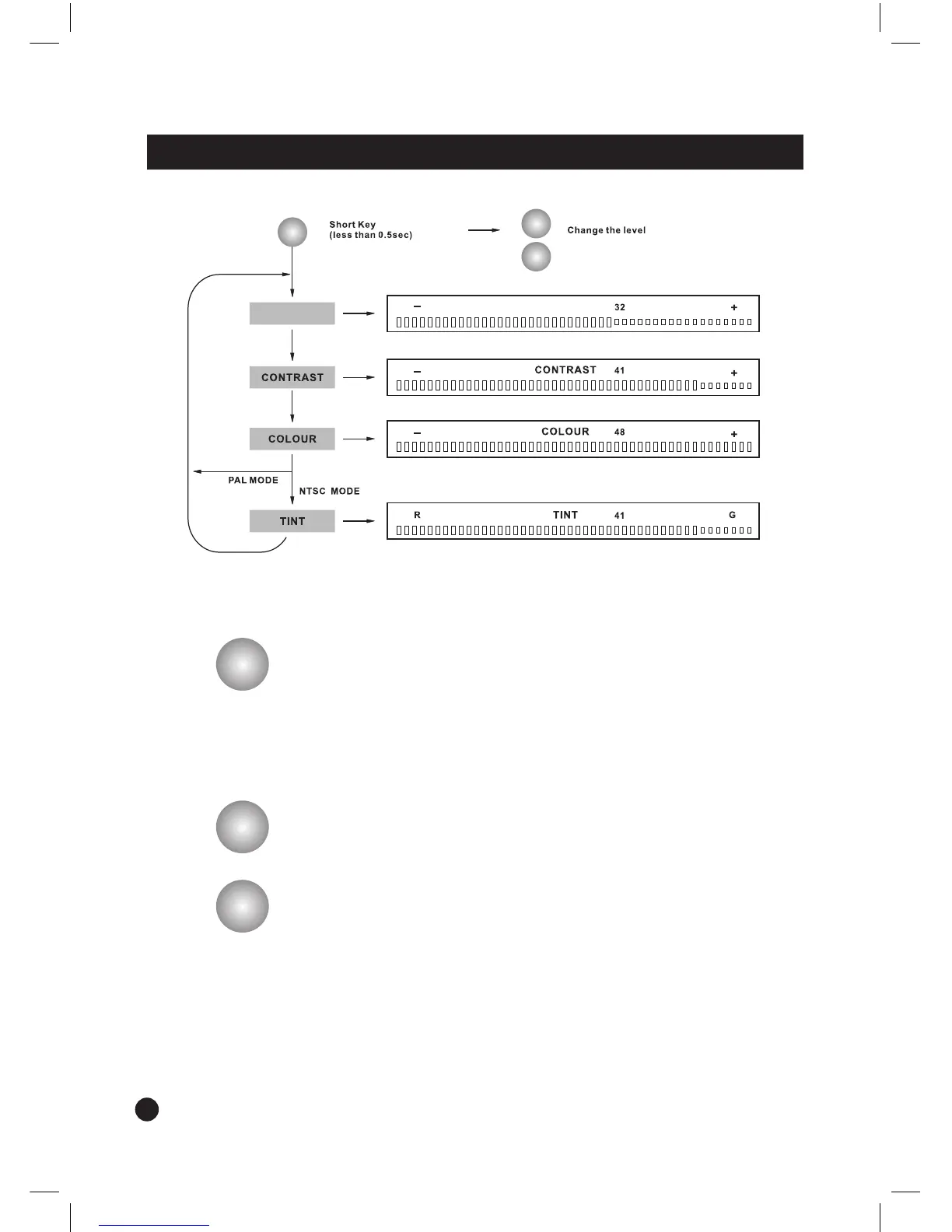
• Use UP/DN button to adjust Brightness, Contrast, Colour or Tint
level.
- Press UP buttn to increase Brightness, Contrast, Colour or Tint
level.
- Press DN
button to decrease Brightness, Contrast, Colour or
Tint level.
• Use UP/DN
button to move cursor upward or downward in
SETUP MENU mode.


 To Next Page