12
6
Operation - Auxiliary display
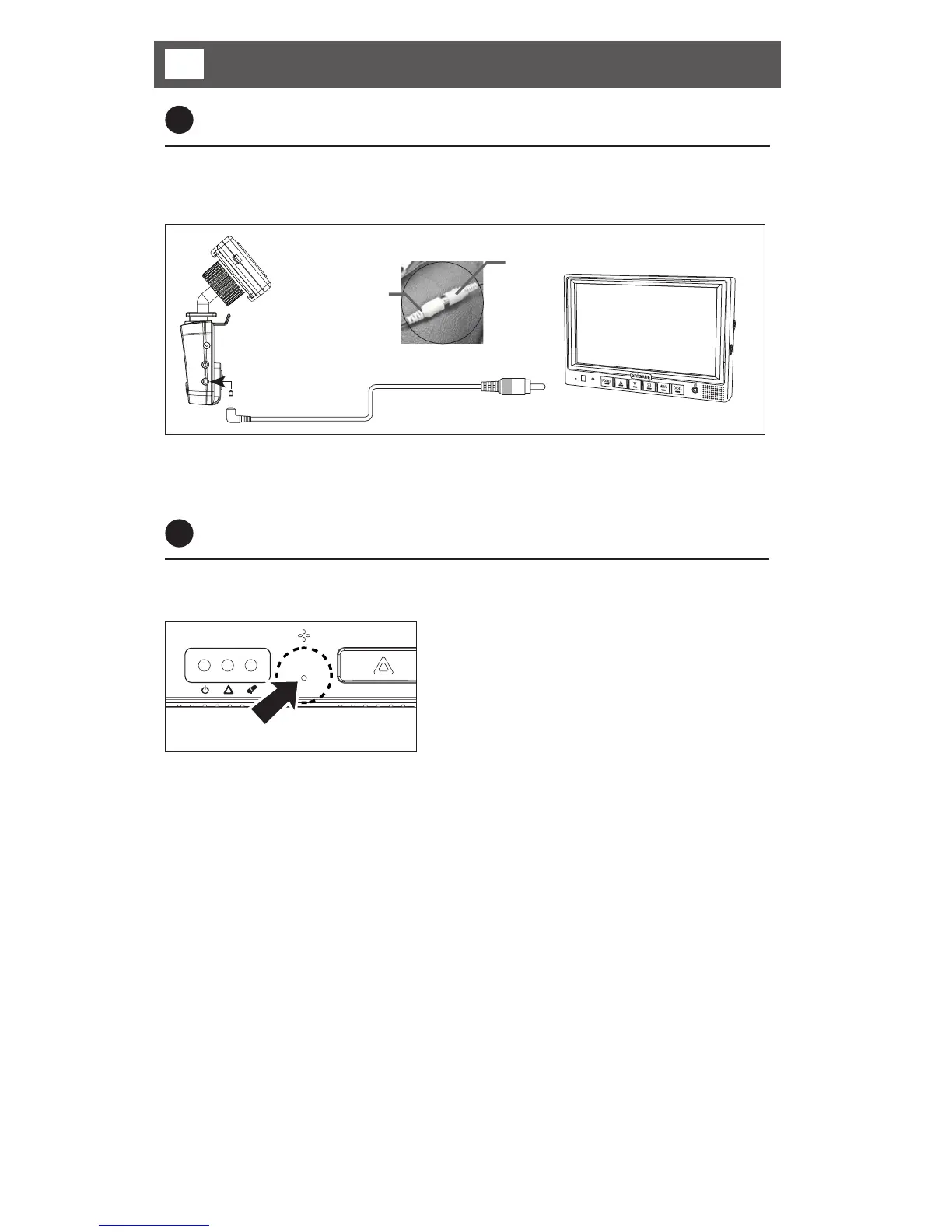
Press reset
Using a thin object gently press
down the RESET button. The
recorder will be reset and will
restart.
1
Real-time displaying
By using V-OUT mode (optional) you can watch the real time recording (front view
only) when the v-out cable is connected to a monitor.
Video input to monitor
*Connect to video input of monitor (Optional)
V-Out cable (Option)
* Additional adaptor cables may be required. If any non Brigade cable is used, the
unit may malfunction.
2
Restart
System reset function is used in the event of any fault(s) during operation or when
the recorder stops suddenly.



 To Next Page