12
•
•
•
•
•
•
Auto-playing files in alphabetical order upon power-up
You can autoplay one or more files on power-up or reset. When you use this method, the files play
in alphabetic order by file name.
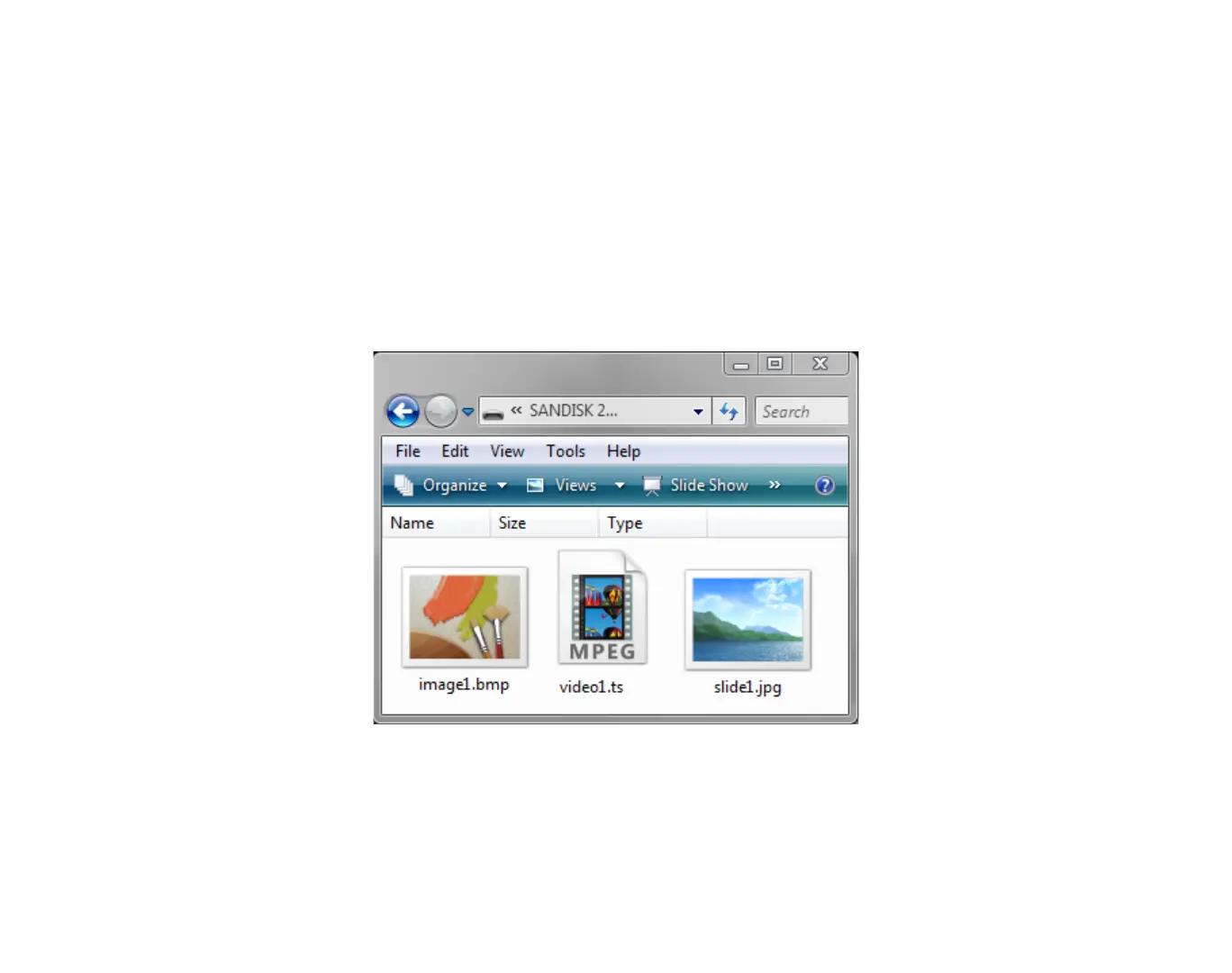
1 Copy your files into the root directory of an SD card. See the list of supported file types on
the previous page.
2 Insert the SD card into your BrightSign.
3 Turn on your BrightSign. After a few moments, BrightSign plays the video and repeats it
automatically to create a loop.
EXAMPLE 1:
SD card with auto-play files



 To Next Page