19
•
•
•
•
•
•
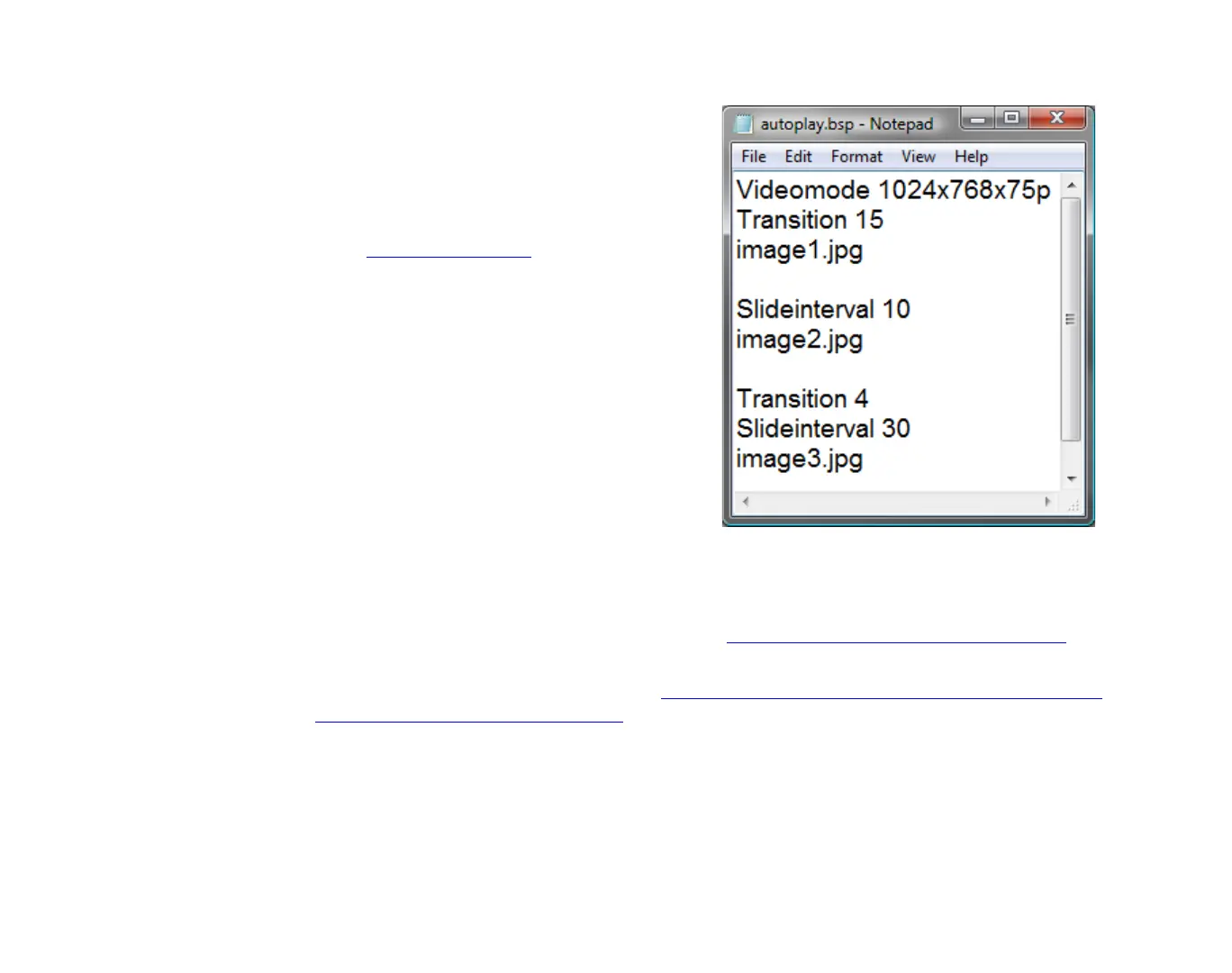
Creating a playlist
1 Using a text editor, such as Notepad, enter
the names of the files you want to play in
the order in which you want them to play.
2 (Optional) Enter any commands you want
to add to your playlist. See the next
section, Playlist commands, for a
description of available commands.
3 Use the Save As command to the file with
a BSP extension.
NOTE:
By default, most text editors
automatically save files with a TXT extension,
so you need to override the default file
extension when saving the playlist file.
4 Copy the following files to your SD card:
•
Your playlist (the file you created in steps
1-3)
•
Media files referenced in your playlist
5 Do either of the following:
•
Play the playlist automatically upon startup (see
Auto-playing a playlist upon power-up
for details).
•
Play the playlist at a scheduled time (see
Auto-playing content at a scheduled time (HD210,
HD810, HD1010, and HD2000 only)
for details).
EXAMPLE 1:
Playlist file



 To Next Page