13
•
•
•
•
•
•
Auto-playing a playlist upon power-up
A playlist is a text file that describes the items you want to play and the order in which you want
to play them. A playlist can include still images, video clips, or audio clips. For details on creating
playlists, see
Working with Playlists
.
To autoplay a playlist file on power-up or reset, do the following:
1 Create a playlist file and name it
AUTOPLAY.BSP (see Working with Playlists
for details).
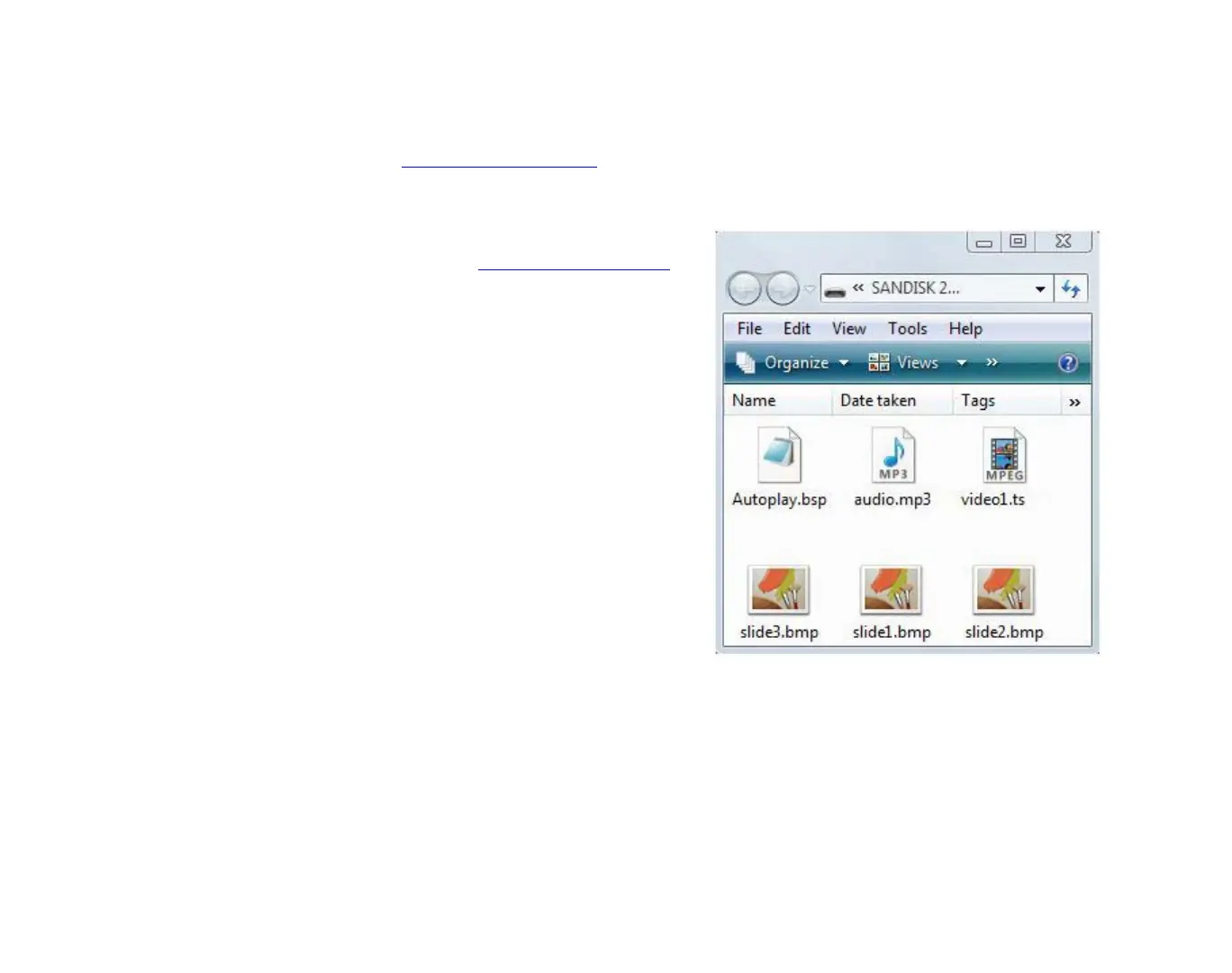
2 Copy the playlist file into the root directory
of an SD card.
3 Copy any still graphics, audio files, or video
files you included in the playlist into the
root of your SD card.
4 Insert the SD card into your BrightSign.
5 Turn on your BrightSign. After a few
moments, BrightSign plays the playlist and
loops it automatically.
EXAMPLE 2:
SD card with playlist files



 To Next Page