48
•
•
•
•
•
•
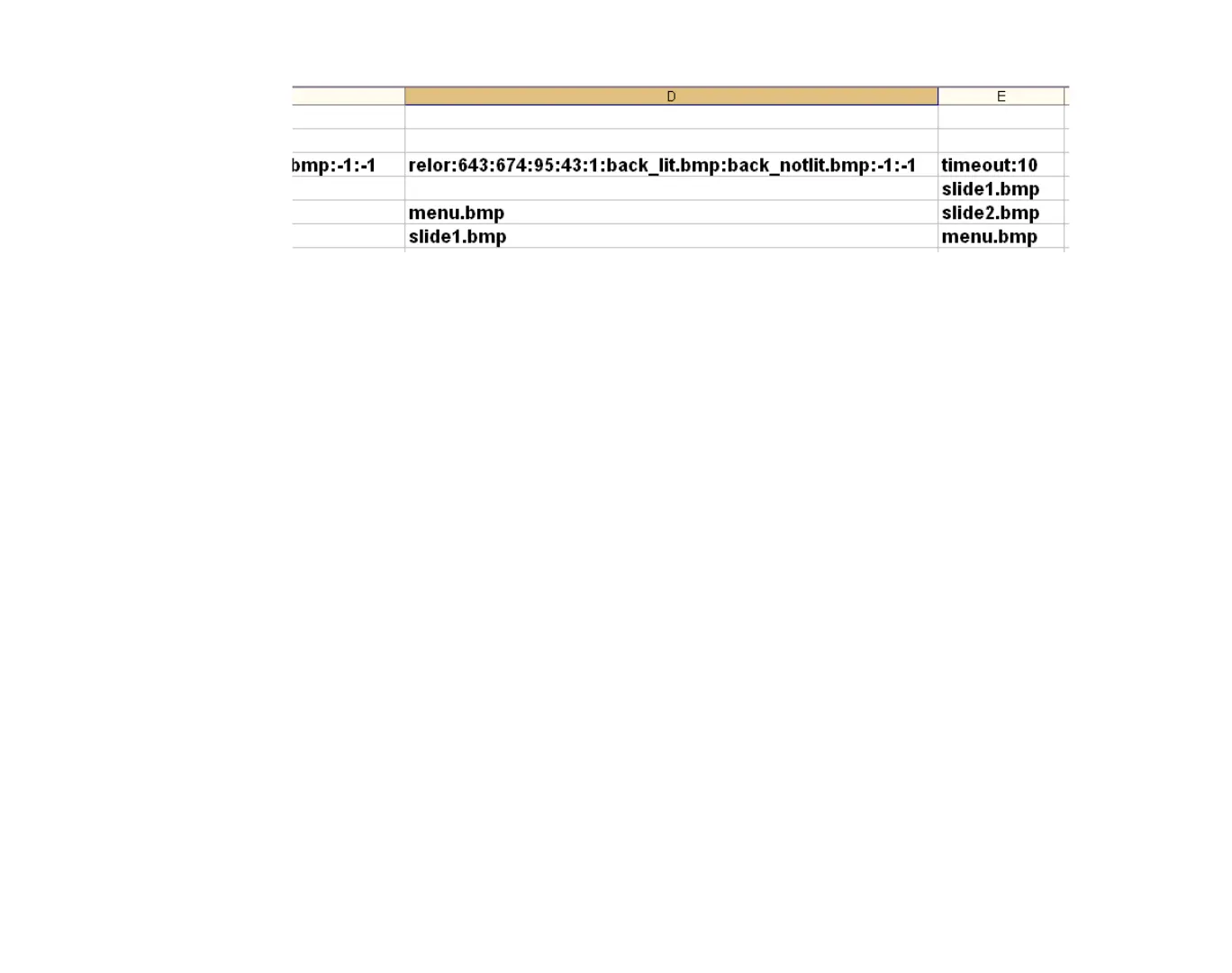
EXAMPLE 7.2:
3 images with rollover regions
Example 7.2 shows that each of the 3 images has a rollover region that is 95 pixels long by
43 pixels tall.
•
When the cursor is outside this area, BrightSign displays BACK_NOTLIT.BMP.
•
When the cursor is inside this area, BrightSign displays BACK_LIT.BMP.
Scheduling playback (HD210, HD810, HD1010, and HD2000 only)
You can play videos, still images, and playlists at scheduled times using the autoschedule.txt file.
This file specifies the date/time for the event as well as the file you want to play.
The syntax of the date/time specification is as follows:
Year “/” Month “/” Day “-“ Day of Week “-“ Hour “:” Minutes
For example, a date/time specification for December 23, 2009 at 3:20 PM is defined as:
2009/12/23-*-15:20
In this example, the Day of Week parameter is a wildcard defined with an asterisk. All date/time
parameters not used must be defined as wildcards using an asterisk (*).



 To Next Page