52
•
•
•
•
•
•
EXAMPLE 1:
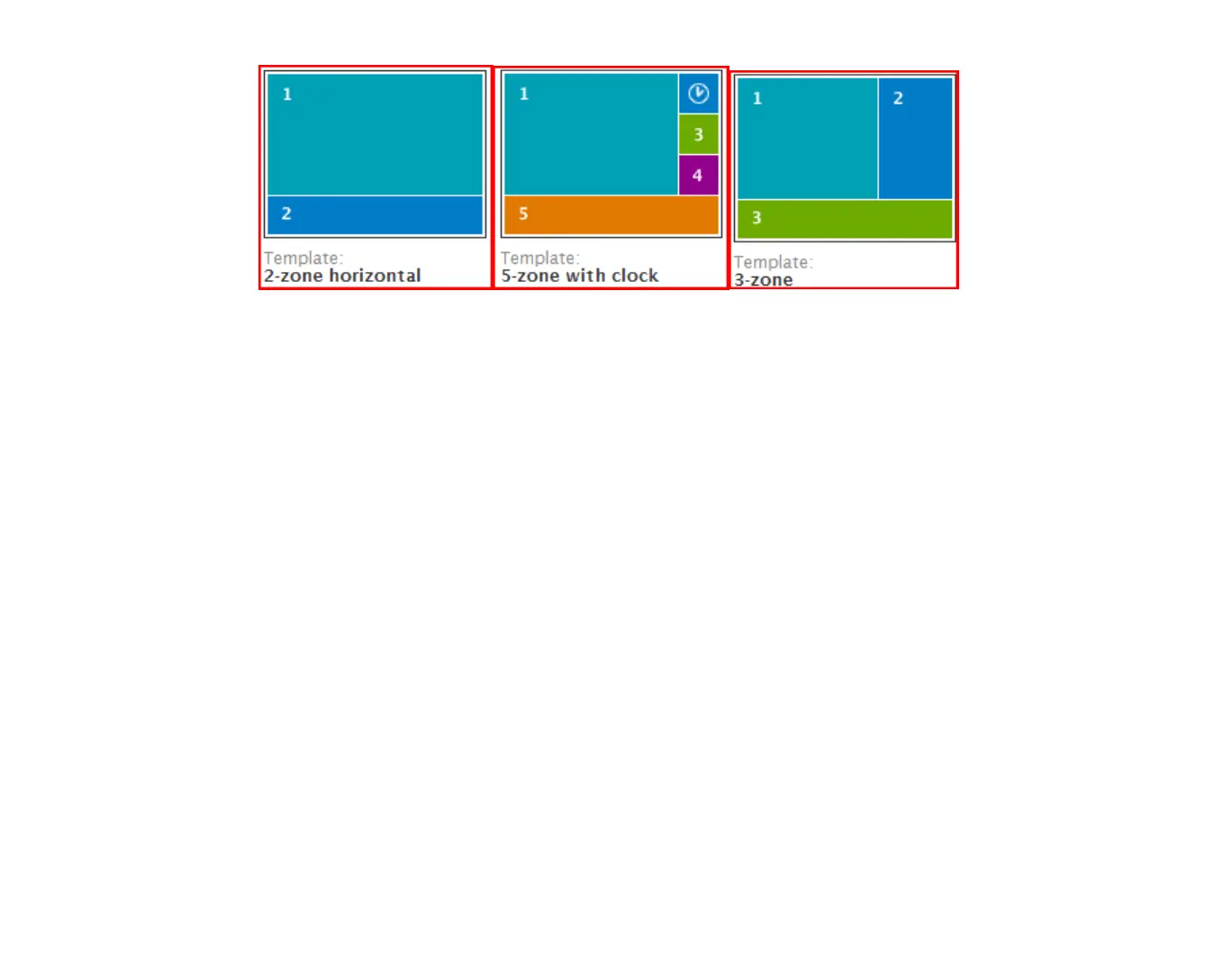
Multi-zone examples
Can I customize the zones?
Here are some of the things you can customize in your zones:
•
Background screen color
: Specify the background color for the display.
•
Font:
Choose a true type font for Text and RSS playback.
•
Parameters
: Control settings for RSS and Text zones. You can set the following:
•
Line count
•
Length of time to display text
•
Text Appearance—animated or static
•
Commands
: Use commands to control the following:
•
Foreground text color:
Set the foreground text color for Text, Clock, and RSS.
•
Background text color:
Set the background color for the Text, Clock, or RSS widget.
•
Background bitmap:
Set a bitmap image that sits behind the zones.



 To Next Page