4.5-2 VPN
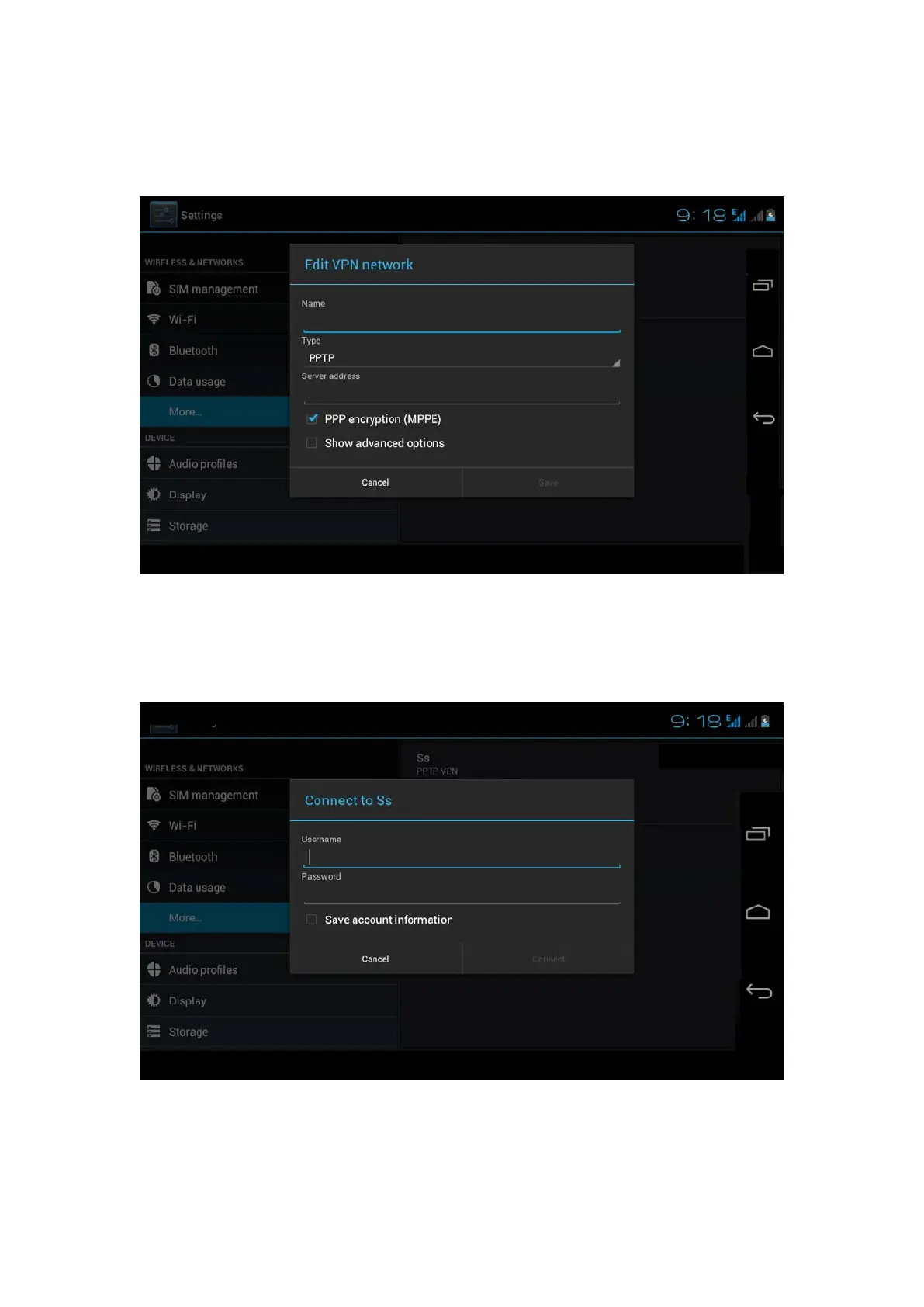
Open VPN, click add VPN network, as Picture 4.17. Input name
and server address, then save.
Picture 4.17
Click VPN, as Picture 4.18, input VPN user name and password,
click connect.
Picture 4.18
4.5-3 Network sharing and portable hotspots
Portable WI-FI hotspots



 To Next Page