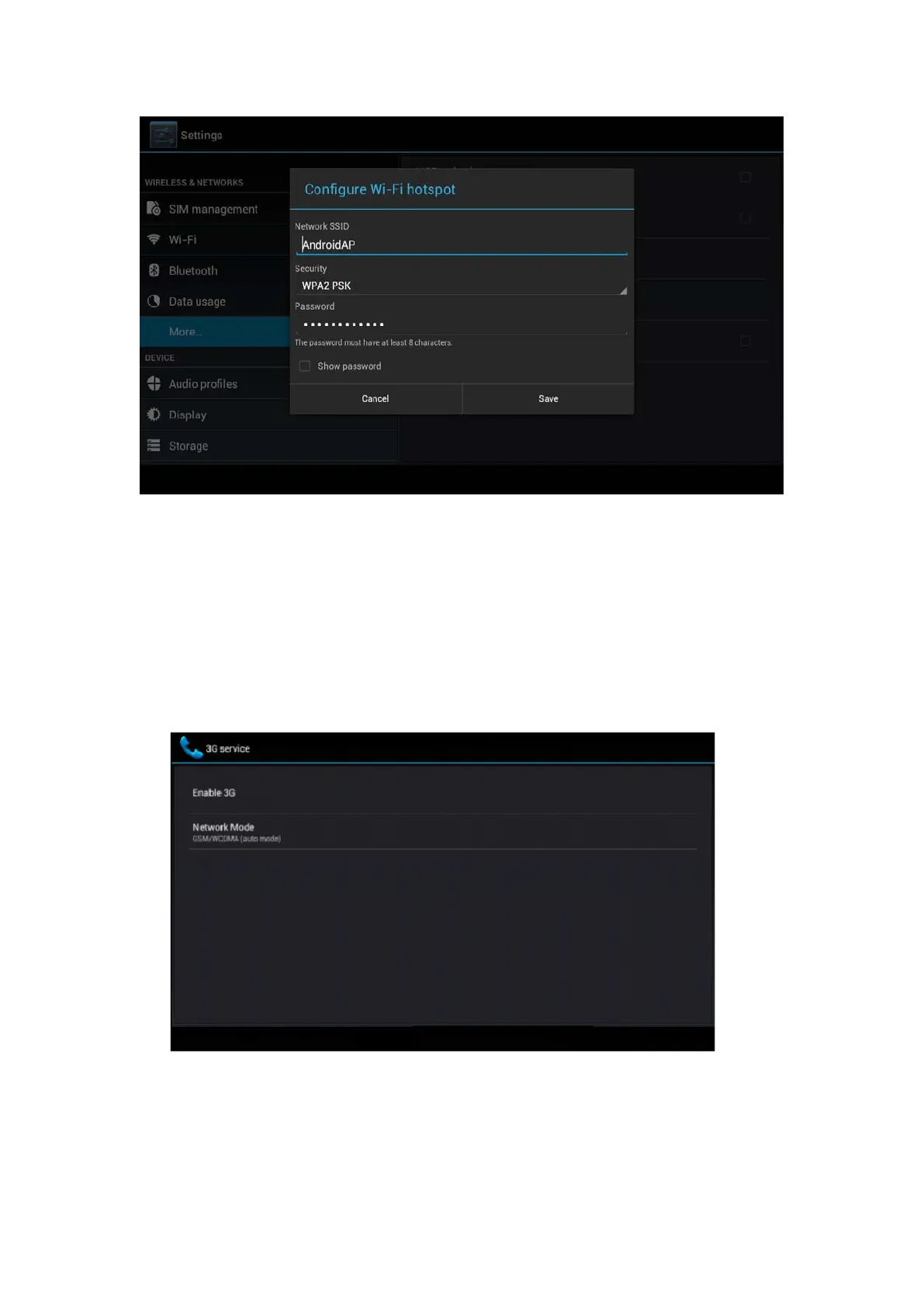
Picture 4.21
5. Set passwords you want to, password should be more than
8 numbers.
4.5-4 Mobile Networks
1. 3G service
Click 3G service, as Picture 4.22, choose available defaulted SIM card,
GSM is 2G network, WCDMA is 3G network.
Picture 4.22
2. Access Point Name( APN)
Click mobile network, as Picture 4.23



 To Next Page