12
Mode
2. To Begin Recording
2-1
2-2
2-3
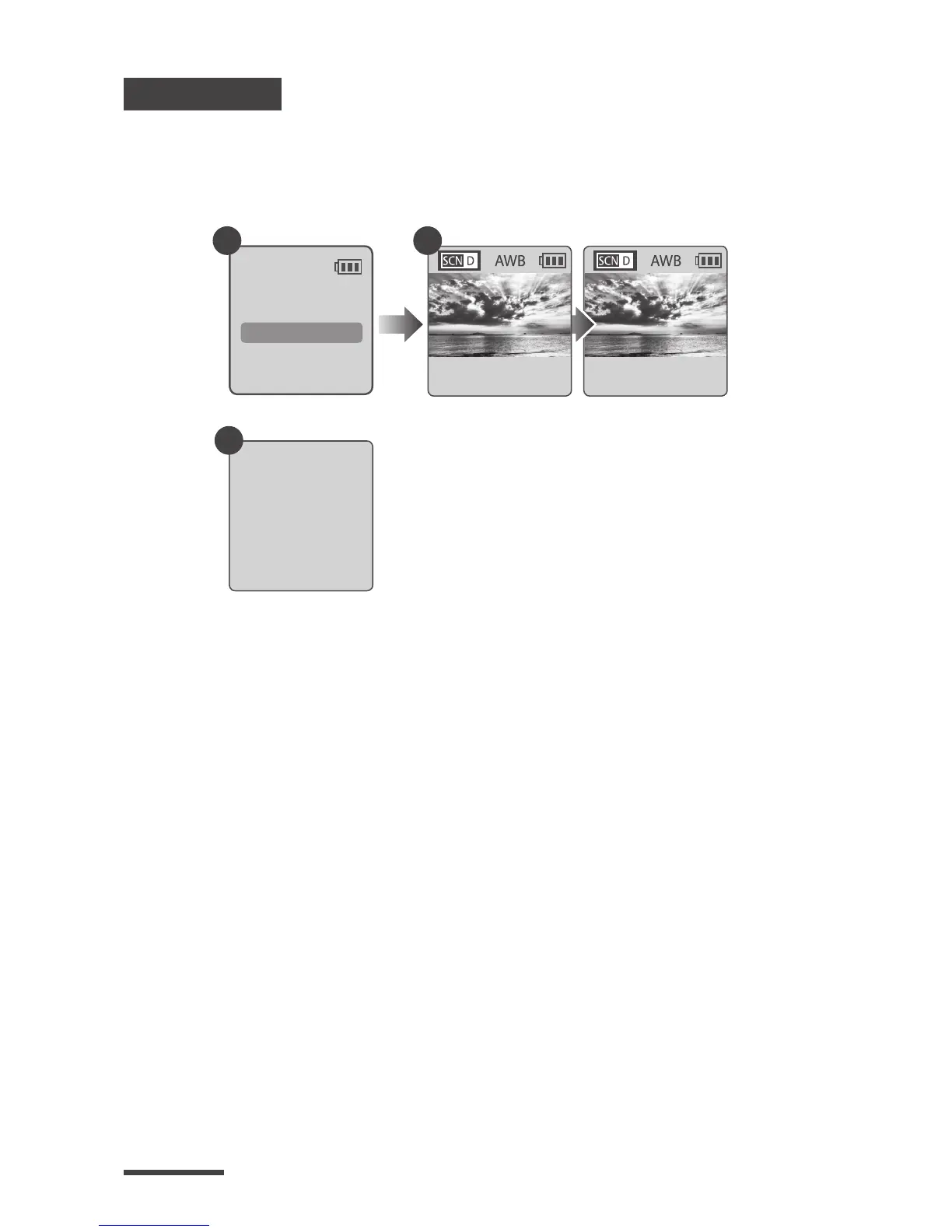
After selecting the time interval, press OK to
proceed to the Preview Screen.
On the Preview screen, hold the OK button for 2
seconds to start recording. Preview Screen will
show REC at the bottom bar.
During the recording period, the LCD panel will
turn o to save power.
T.Lapse
1 Sec
2013/03/01
22:58:32
OK
10 sec.
2-1
Set up screen
•
REC
READY
2-2
Preview screen
Recording
2-3
Recording period



 To Next Page