16
Basic Setting
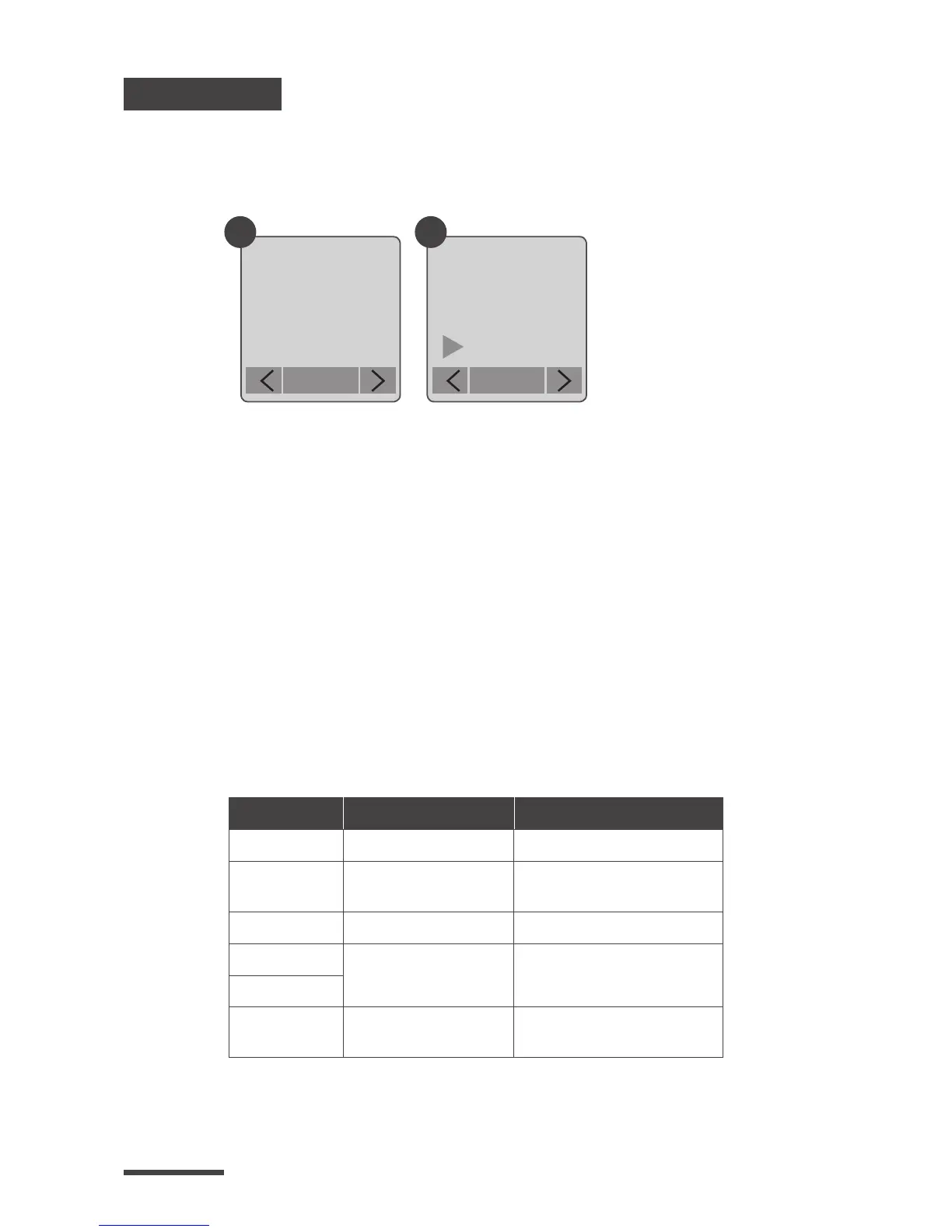
Setting the Time Lapse Frame Rate:
1.
2.
3.
Press MENU button to enter “Setting” mode.
Select and enter “Time Lapse Frame Rate”.
What frame rate should I use?
Generally, 10 FPS is suitable for Time Lapse video, but
we suggested 30 FPS.
1 FPS: The video plays 1 frame per second, so the video
will not look smooth, and the video length will be
longer.
30 FPS: The video plays 30 frames per second, so the
video will look smooth, and the video length will be
shorter.
Setting
Time Lapse
Frame Rate
OK
Frame Rate
15 FPS
20 FPS
30 FPS
OK
1 2
10FPS
(Frames
Per Second)
means:
10 frames are
played in 1
second.
Option
Video playback speed
Shooting subject
1 FPS Very slow Slide show
5 FPS Slow
Stop motion, Face time
lapse
10 FPS Medium Biking
15 FPS
Medium
Flowers growing,
Educational endeavors
20 FPS
30 FPS Fast
Parties, Sunrises,
Sunsets, Natural settings.



 To Next Page