24
More Setting
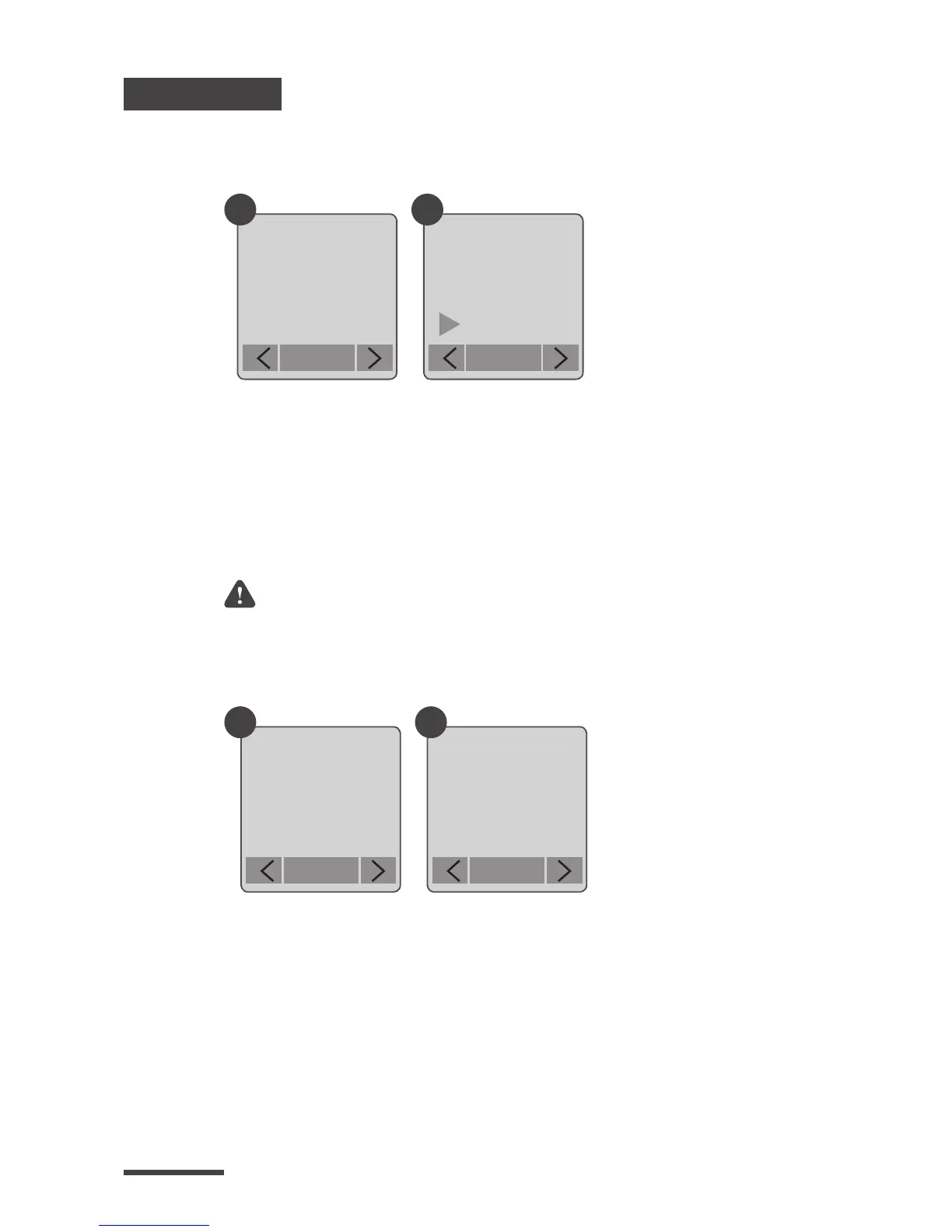
Band Filter
Firmware version
Select the correct fluorescent lighting frequency to
match your indoor lighting frequency.
Displays the current version of firmware installed on
the camera.
1.
2.
1.
2.
Select Band Filter.
None: For outdoor environment.
50 Hz: USA
60 Hz: Europe
Select Firmware Version.
Displays the current version of firmware for 30
seconds. Press the OK button to exit rmware.
Setting
Band
Filter
OK
Flicker Set
None
50 Hz
60 Hz
OK
1 2
More
Firmware
Version
OK
Firmware
x.xx.x
OK
1 2
Suggest use None when the scene is at outdoor.



 To Next Page