22
More Setting
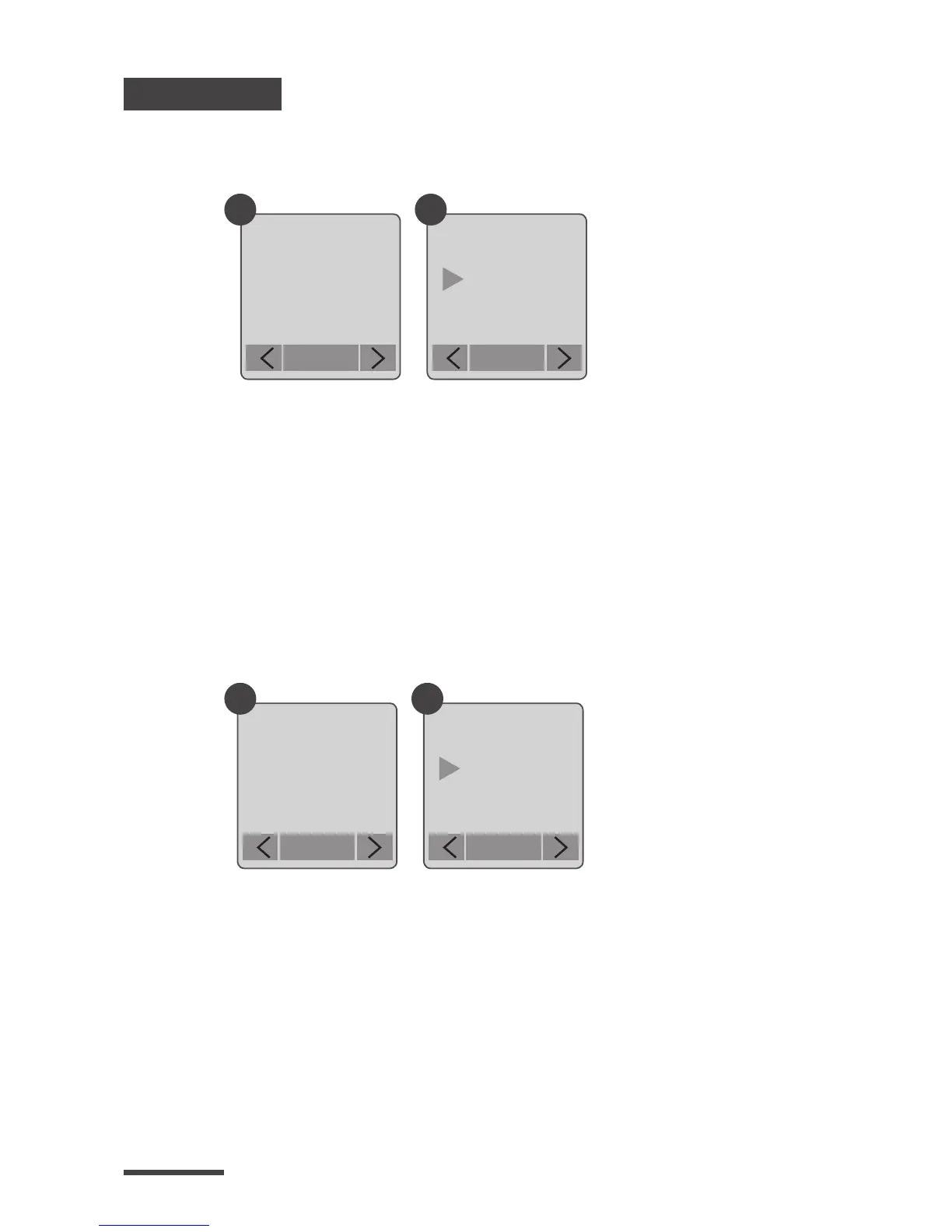
Time Stamp
Low Light Recording
You can choose if you want the time stamp to show at
bottom of your video.
You can choose to set up your camera to record videos
in a low light environment or not. (< 5 Lux).
1.
2.
1.
2.
Select Time Stamp.
Select ON or OFF.
Select Low Light Recording.
ON: Allows your camera to record video in a low
light environment.
OFF: Your camera will go to sleep in a low light
environment.
More
Time
Stamp
OK
More
Low Light
Recording
OK
Time Stamp
ON
OFF
OK
Low Light
ON
OFF
OK
1
1
2
2



 To Next Page