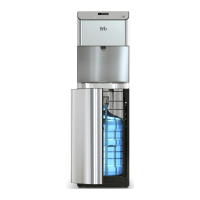
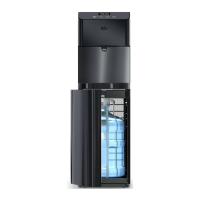
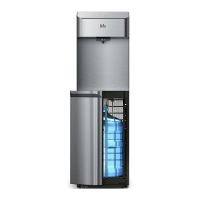
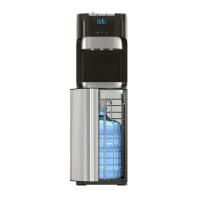
5
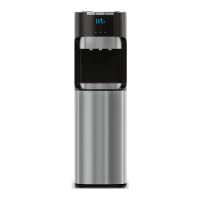
Touch Panel Description
1. Up arrow button – Press to set the time on the clock and increase temperature settings.
2. Clock/Temperature display – Shows the time and water temperature setting when setting the
temperature of the hot or cold water. Also indicates when a water bottle needs to be replaced
and when the dispenser is in self-cleaning mode.
3. Down arrow button – Press to set the time on the clock and decrease temperature settings.
4.
5. Hot water button – Press to dispense hot water.
6. Ambient water button – Press to dispense room temperature water.
7. Cold water button – Press to dispense cold water.
1 2 3
4 5 6 7
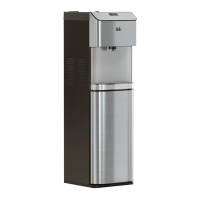
Product Dimensions
HEIGHT WIDTH DEPTH
104.0 cm (40.9 in.) 31.0 cm (12.2 in.) 34.0 cm (13.4 in.)
CAUTION: This unit dispenses water at temperatures that can cause severe burns. Avoid direct
contact with hot water. Keep children and pets away from unit while dispensing. Never
allow children to dispense hot water without proper and direct supervision. Unplug unit
to prevent unsupervised use by children.
TEMPERATURE TANK CAPACITY FLOW RATE
DISPENSING
COLD WATER
39°-59°F / 4°-15°C 2.5 L/H
DISPENSING
HOT WATER
174°–194°F / 79°–90°C 4 L/H


 To Next Page