7
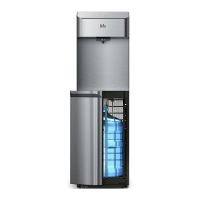
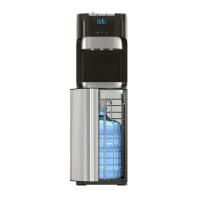
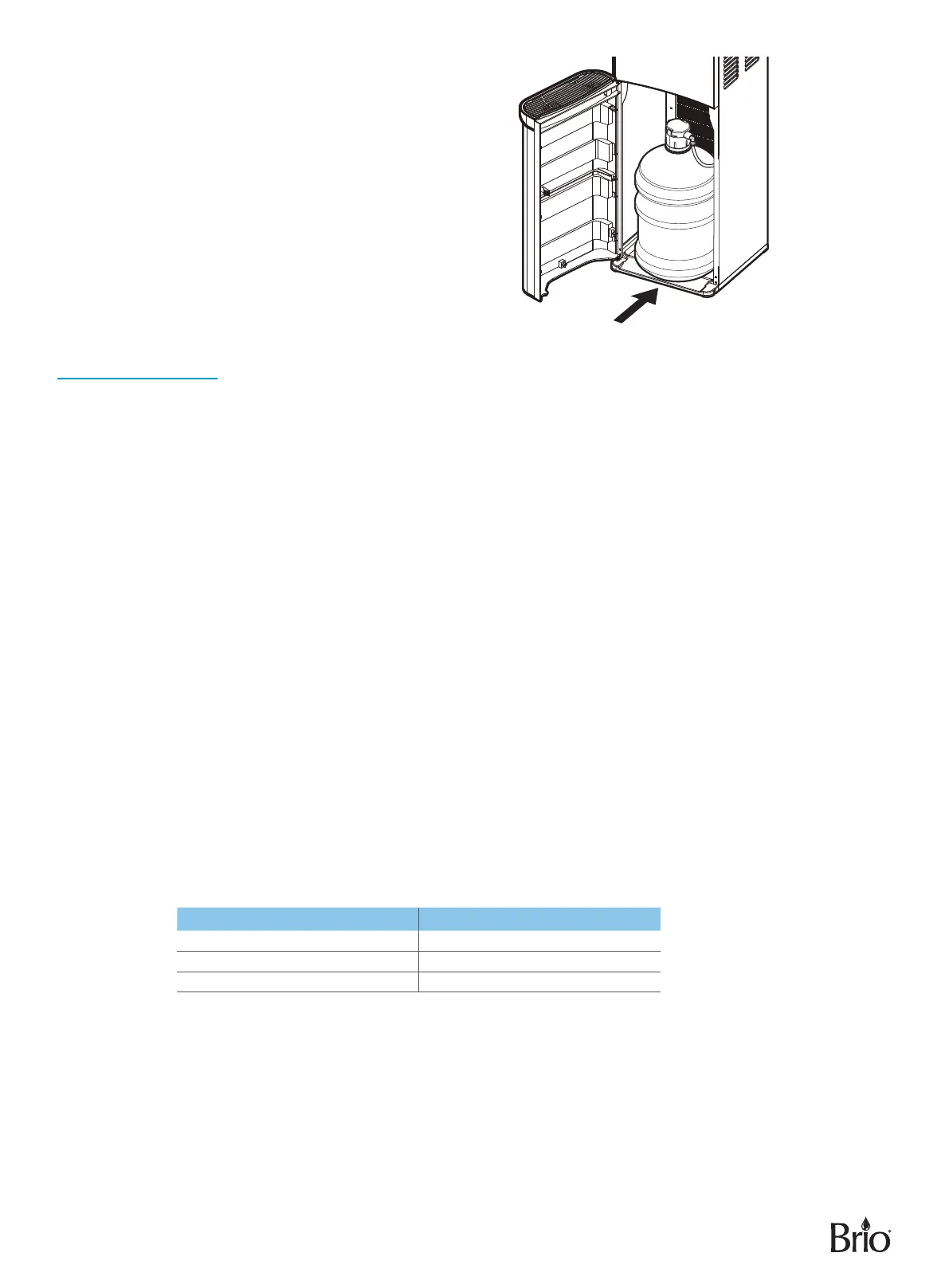
E. Slide the water bottle into the dispenser
cabinet and close the door. Plug in the
dispenser.
F. Wait 5 minutes for the water tanks to ll
with water before attempting to use the
dispenser.
G. Remove air from the tanks by placing
a cup under each water tap and drain
at least 4 cups (1 liter) of water before
initial use.
NOTE: Water will not pump from
the bottle until the door is
completely closed.
Operation
IMPORTANT: This unit has been tested and sanitized prior to packing and shipping. During transit, dust and
odors can accumulate in the tank and lines. Dispense and dispose at least one quart of water
prior to drinking any water.
Turn the Dispenser On/O
IMPORTANT: Before you activate the hot and cold switches, ensure a bottle is installed.
1. Plug in the dispenser.
2. Run water through the tap until water begins to dispense.
3. To power on the cooling system, flip the cooling switch on the back of the dispenser to the On position. The
cold water button on the front of the dispenser illuminates in blue indicating that the dispenser is cooling
water. The light changes to white when the cooling process is complete.
4. To power on the heating system, flip the heating switch on the back of the dispenser to the On position. The
hot water button on the front of the dispenser illuminates in red indicating that the dispenser is heating water.
The light changes to white when the heating process is complete.
Set the Time
1. Press and hold the up and down arrow buttons for 3 seconds until the clock display begins to blink.
2. Press the cold water button to set the minute and the hot water button to set the hour. Use the up and down
arrow buttons to scroll until the correct minute/hour is displayed.
3. Press the hot water lock button when finished.
Set the Cold Water Temperature Level
You can select from 3 dierent cold water dispensing temperature levels: C1 (cold), C2 (colder), and C3 (coldest).
Temperature Level Dispensing Temperature Range
C1 49°F to 55°F
C2 43°F to 49°F
C3 37°F to 43°F
NOTE: The default temperature dispensing level for cold water is C3 (coldest).
To change the cold water temperature dispensing level, please do the following:
1. Press and hold the down arrow button for 3 seconds. The cold water button and time display screen begin to ash.
2. Press the up or down button to scroll through the 3 options. They will be displayed as C1, C2, and C3. After
you have reached the desired temperature level, quickly press the lock button. The new level is now set.
It takes approximately 2 hours for the cold water temperature range to adjust to the new level. During the
adjustment process, the cold water light will illuminate in blue. Once the new level has been reached, the light
will change to white.


 To Next Page
 Loading...